
Short answer
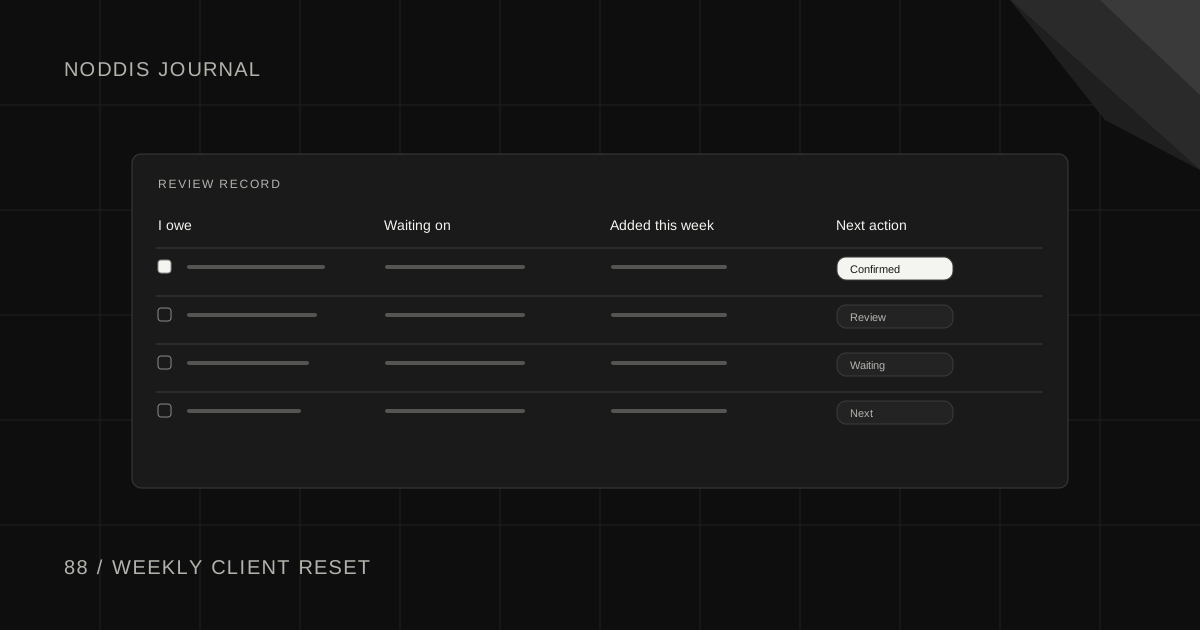
A freelance weekly review template is a fixed set of five checks you run on every active client project, at the same time each week: where it stands, what you owe, what you are waiting on, what was added and what happens next. The whole reset takes about 30 minutes and ends with a short update to each client.
Free resource
Download the weekly client project reset worksheet. The file is a blank CSV that opens in Google Sheets, Excel or Numbers, with one row per project and a column for each of the five checks, plus one filled example row to delete. Use it as your weekly review checklist. No account is required. Save a copy before you add your own projects.
What is a freelance weekly review?
A freelance weekly review is a short, scheduled look at every client project you have open, done to decide next week's work before the week starts. It differs from a personal productivity review in one way: the unit is the client project, and half of what you check is other people's promises.
The habit was popularised by Getting Things Done, the method created by David Allen. The official GTD site says of him: "David has said that the Weekly Review is the 'critical success factor' in making your GTD practice stick." That method is general. A weekly review for freelancers has to answer two extra questions for every client: what did I promise, and what am I still waiting for.
Agencies run the same review as a meeting. If you work with a team, the weekly agency portfolio review template has a 25-minute agenda. The template below is for one person.
What goes in a freelance weekly review template?
A freelance weekly review template has five checks per project. Run them in this order, because each one feeds the next.
| Check | The question | What you write down |
|---|---|---|
| 1. Status | Where does this project stand against its next milestone? | On track, at risk or waiting, plus the milestone date |
| 2. I owe | What have I promised that is not delivered? | Each promise and its date |
| 3. Waiting on | What has the client not sent or decided? | Each item and the date you asked |
| 4. Added | What new work appeared this week? | Each addition and who asked for it |
| 5. Next | What is the one action that moves this project? | One action and the day you will do it |
Check 3 is where stalled projects show up. An item you asked for nine days ago with no reply needs a reminder today, not another week of waiting. Check 4 is the early warning for scope: three small additions in one week are easier to raise now than twelve in a month.
Keep the answers short. One line per check is enough, and a project with nothing to report in a check gets a dash.
How do you run the review in 30 minutes?
Run the review at a fixed time each week, with a timer, in four steps: clear your inputs, run the five checks, choose the top three actions and send the messages the checks produced.
- Clear your inputs (5 minutes). Skim email, chat and notes for anything a client asked this week. Add each request to its project.
- Run the five checks (15 minutes). Go project by project. With five active clients, that is three minutes each.
- Choose the week's top three (5 minutes). From all the "Next" answers, pick the three actions that protect a date or unblock a client.
- Send (5 minutes). Write the client updates and reminders the checks produced. Do not leave them as tasks.
Step 4 is what makes the review worth doing. A review that ends with a tidy list changes nothing. A review that ends with three sent messages moves three projects.
Put the review on your calendar as a repeating event, so the time is protected. Google Calendar's help page for a recurring event shows the steps: create the event, then change "Does not repeat" to weekly. Friday afternoon works when you want a clear weekend. Monday morning works when clients send things over the weekend.
What does a completed weekly review look like?
A completed weekly review is one row per project, with a status, what you owe, what you are waiting on, what was added and one next action. The example below uses a freelancer with three clients: Juniper, a bakery; Orbit Bikes, a bike shop; and Leo, a personal trainer.
| Project | Status | I owe | Waiting on | Added this week | Next action |
|---|---|---|---|---|---|
| Juniper website | At risk, launch Nov 20 | Menu page draft, Thursday | Product photos, asked Nov 2 | Gift card page (client asked) | Send photo reminder today |
| Orbit Bikes booking page | On track, review Nov 14 | Nothing open | Nothing open | None | Build confirmation email, Tuesday |
| Leo brand refresh | Waiting, no date | Nothing open | Logo choice, asked Oct 28 | Second colour option (my idea) | Call Leo on Monday |
Three things stand out at a glance. Juniper is at risk because of the photos, not because of your work. The gift card page is new scope that needs a conversation. Leo's project has been waiting on one decision for two weeks, so a call beats another email.
The update to Juniper writes itself from the row:
Subject: Juniper website: week of [Date]
Hi [Name],
Needed from you: the product photos I asked for on November 2. The launch date of November 20 depends on having them by [Day].
Done this week: home page and contact page are complete.
Next: the menu page draft reaches you on Thursday.
One question: the gift card page is a new addition. Shall I send a quick quote for it?
Thanks,
[Your name]
The client's action comes first, which follows the structure in the client status update template.
What should you do with what the review finds?
Act on each finding the same day, using the smallest action that fits:
- Something you owe is late: tell the client today, with a new date. Do not wait for them to ask.
- Something you are waiting on is old: send a dated reminder. The client email templates for freelancers have ready wording.
- Work was added: name it, and ask whether it replaces something or adds to the cost and date.
- A project has no next action: it is finished, paused or blocked. Decide which, and say so to the client.
A project that shows the same "Waiting on" item two reviews in a row is stuck. Treat the second appearance as the trigger to escalate, following the steps for a client who is not responding to emails.
How does Noddis support a weekly client review?
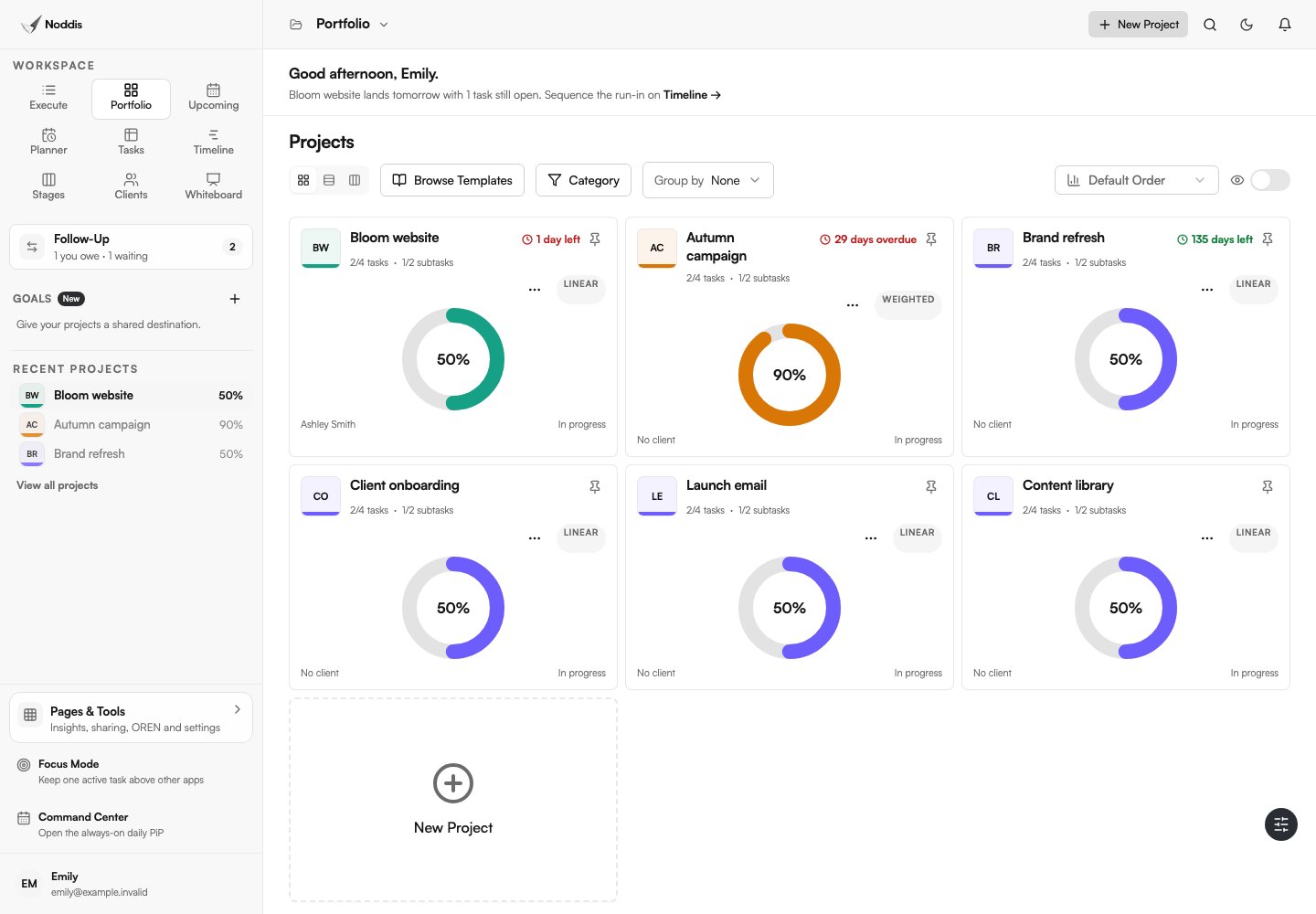
Noddis is a project management app that keeps tasks, follow-ups, and related project details connected. When we built Portfolio in Noddis, we put every active project and its progress in one view, so a weekly review can start from one screen instead of one tab per client.
Three of the five checks map to built-in workspaces. Portfolio shows status across projects. Follow-Up lists Needs From You and Waiting on Others with an age in days, which covers checks 2 and 3. Drift compares the current task list with the agreed baseline and shows what was added, which covers check 4.
Portfolio is part of the Free plan, which includes three active projects. Follow-Up and Drift work on one selected project on Free and on every project on Pro. The review itself remains your judgment: the app shows the lists, and you choose the top three.
Your next step
Download the worksheet, block 30 minutes this Friday and run the five checks on every active project. To put projects, waiting items and added work in one place, open the live demo.
Common questions
Should the review cover invoices and payments?
Yes, as a sixth check when you bill by milestone. Note any invoice that should go out this week and any that is overdue, one line per project. Keep the money check separate from the status check, so a project that is on track but unpaid does not look healthy when it is not.
How is a weekly review different from daily planning?
Daily planning chooses what to do today from a list that already exists. A weekly review checks whether the list is right: whether promises are covered, whether anything is stuck on a client, and whether new work has crept in. Daily planning stays quick because the weekly review did the thinking.
Do I need the review if I only have two clients?
Yes, though it will be much shorter. Two clients still produce promises, waiting items and extra requests, and those slip just as easily when you are busy. A short review also builds the habit before a third or fourth client arrives and the stakes of forgetting get higher.

Katleen is the founder of Noddis. She runs client projects through her app studio, 693 Labs, and builds Noddis around the problems that work creates.
Last reviewed . Feature details reflect Noddis at the time of review.