What's the best project management app for freelancers managing multiple clients?
Choose a project management app for multiple clients: compare portfolio visibility, setup, approvals and follow-ups, then test a real freelance workflow.
Field-tested guides for keeping client work moving: what to do next, what to send, and what is quietly slipping.
Browse every guide ↓The system for running several client projects in parallel: one view, a daily sweep, and updates that do not eat your week.
Read the guide ↗36 guides
Choose a project management app for multiple clients: compare portfolio visibility, setup, approvals and follow-ups, then test a real freelance workflow.
Looking for a ClickUp alternative with less setup? Compare Noddis’s ready-made client workflows with ClickUp’s customization, then try a small migration.
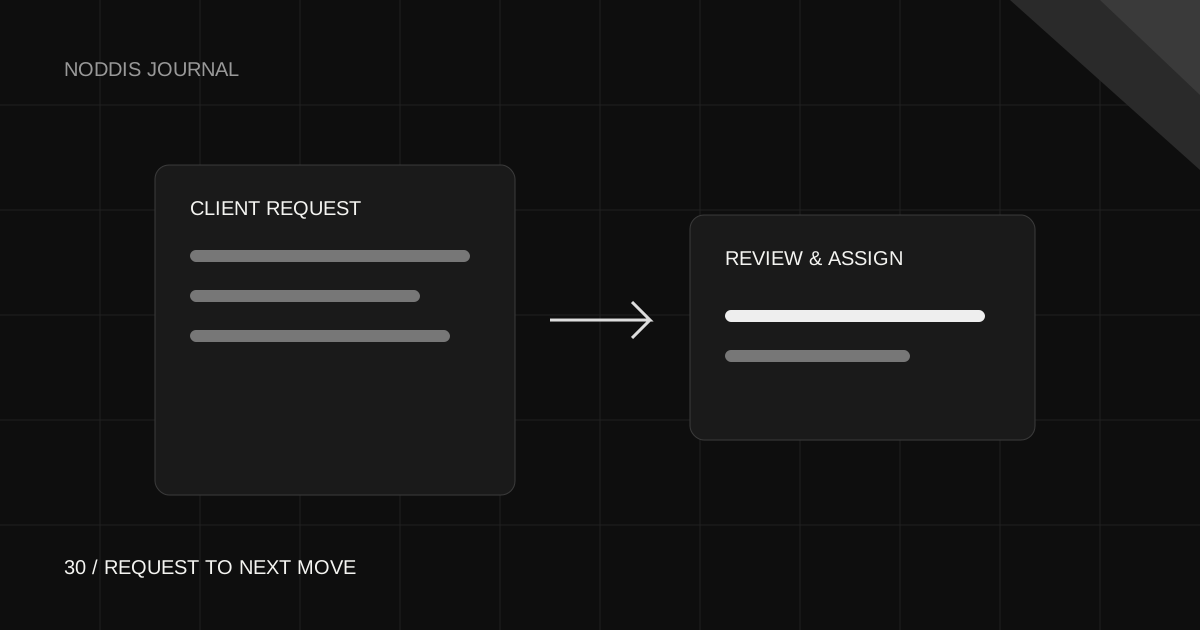
Collect clear requests, review scope, and assign approved work to the right project without treating every submission as a promise.
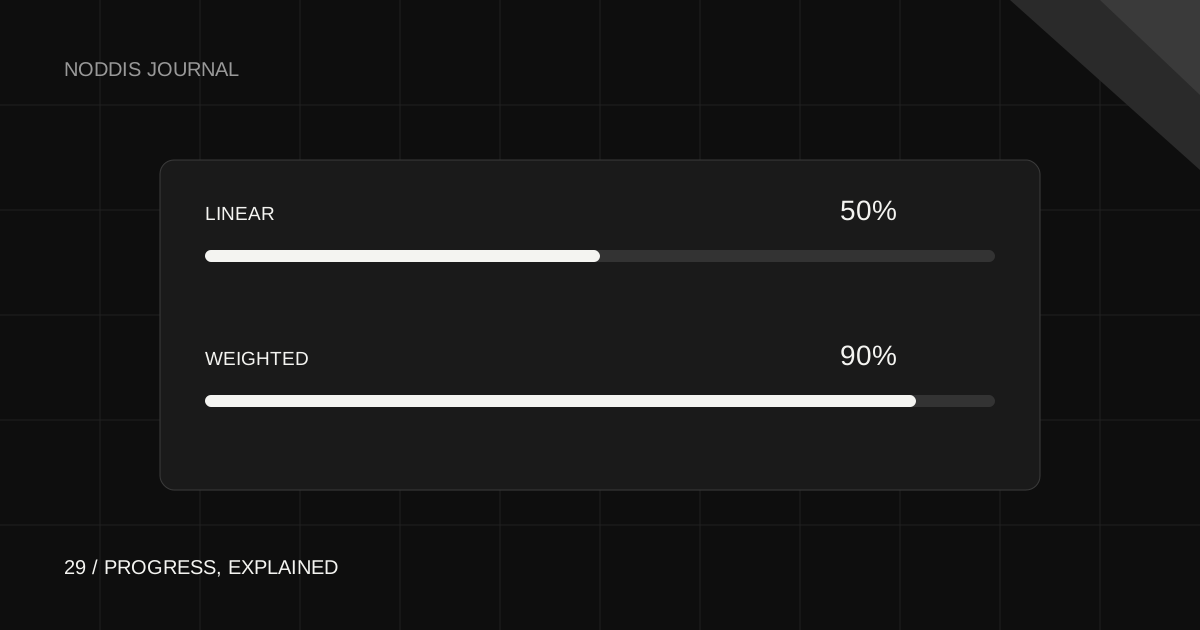
A worked example of task counts, nested subtasks, and root-task weights, so your progress bar tells a story you can explain.
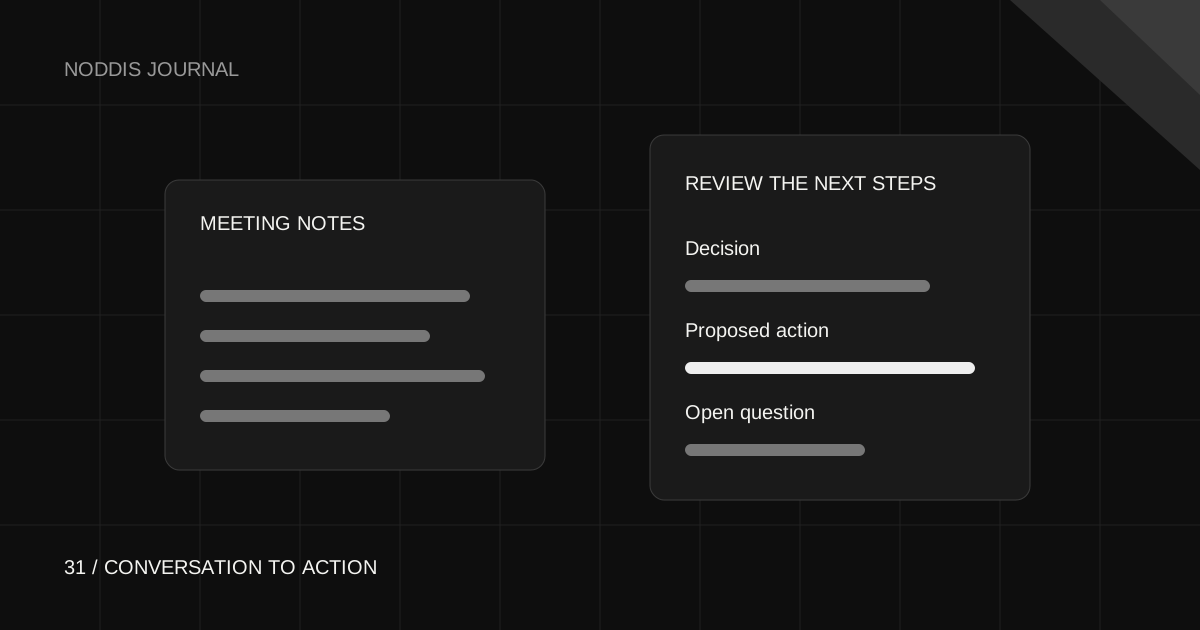
Separate decisions from actions, verify the transcript, and turn an AI summary into a plan you can trust.
See how built-in follow-ups, client portals and delivery checklists work together. A practical way to choose software and close client projects clearly.
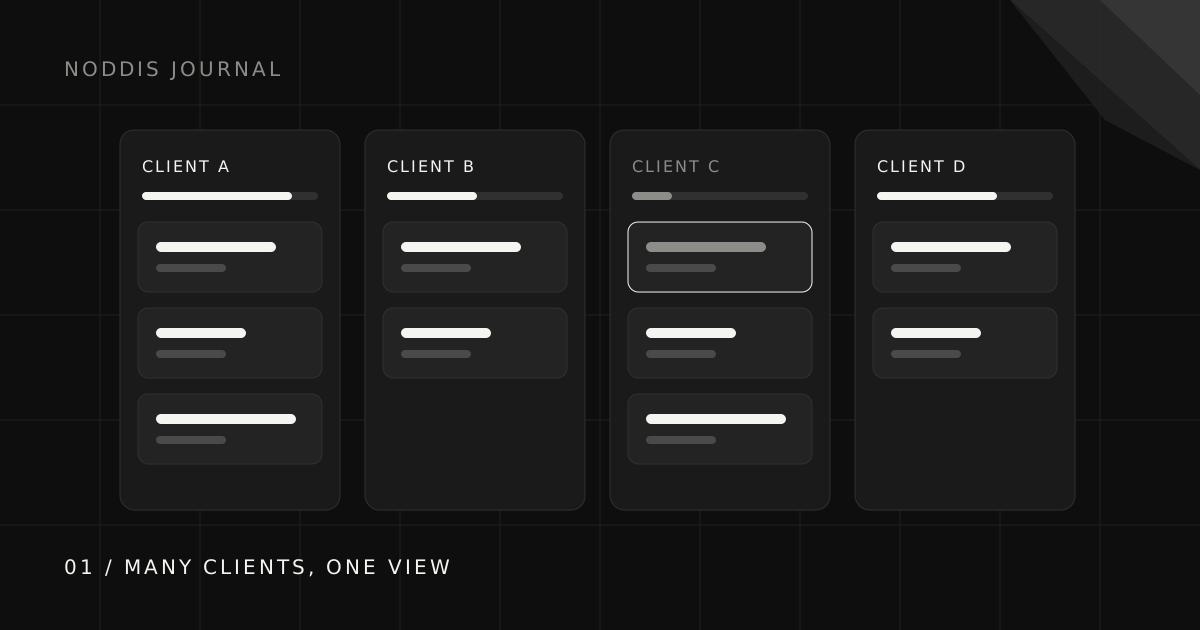
Learn which project views help you see all client projects in one place, compare tool approaches, and build a useful overview without duplicating tasks.
Compare Notion’s flexible documents and databases with Noddis’s built-in project workflow. Learn when a simpler alternative fits client delivery.
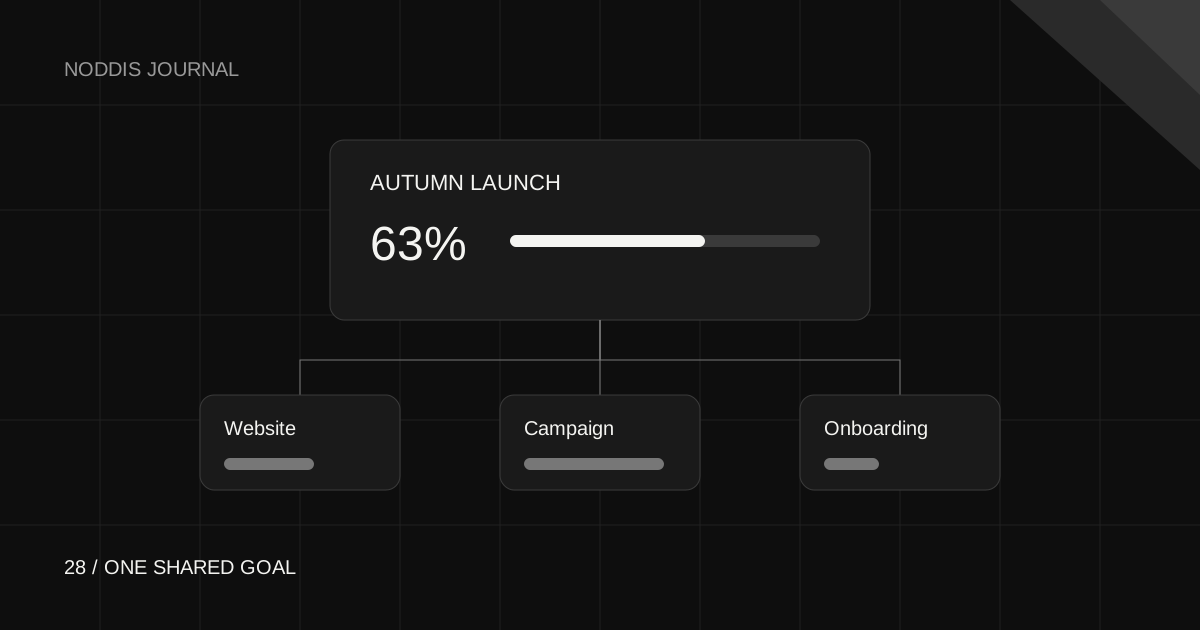
Connect projects to a goal, choose how each contributes, and understand exactly what the progress percentage means.
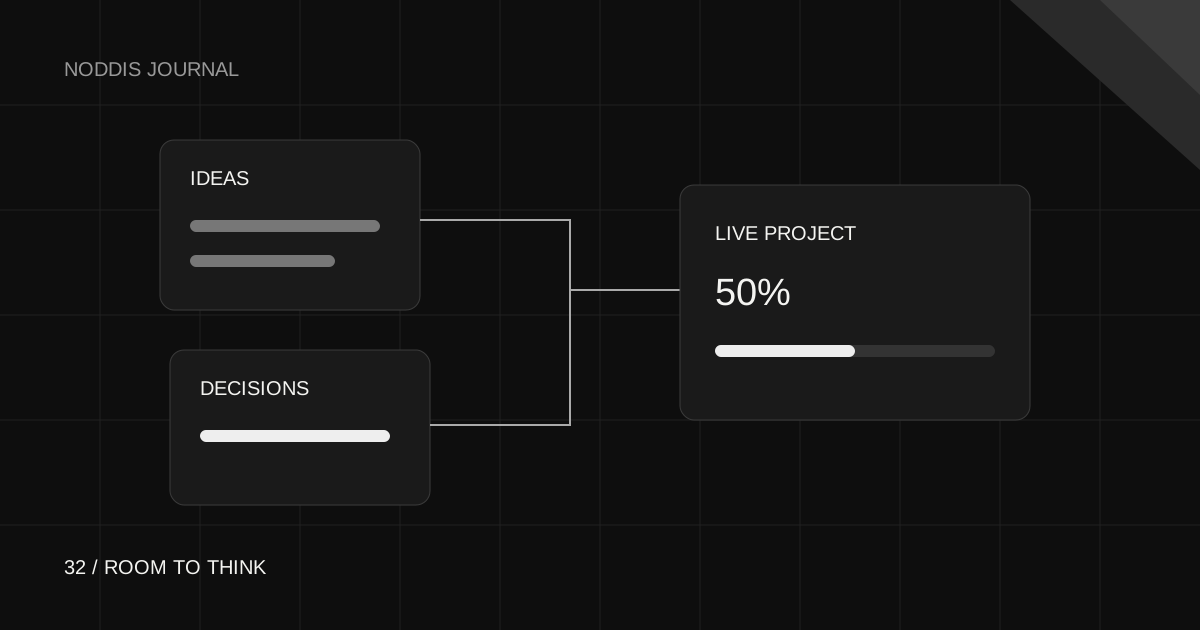
Use a canvas for the thinking stage, live project cards for context, and tasks for the commitments you decide to make.
Noddis keeps tasks, clients, follow-ups, and history connected, then shows you what needs you next.
Start for free