
Short answer
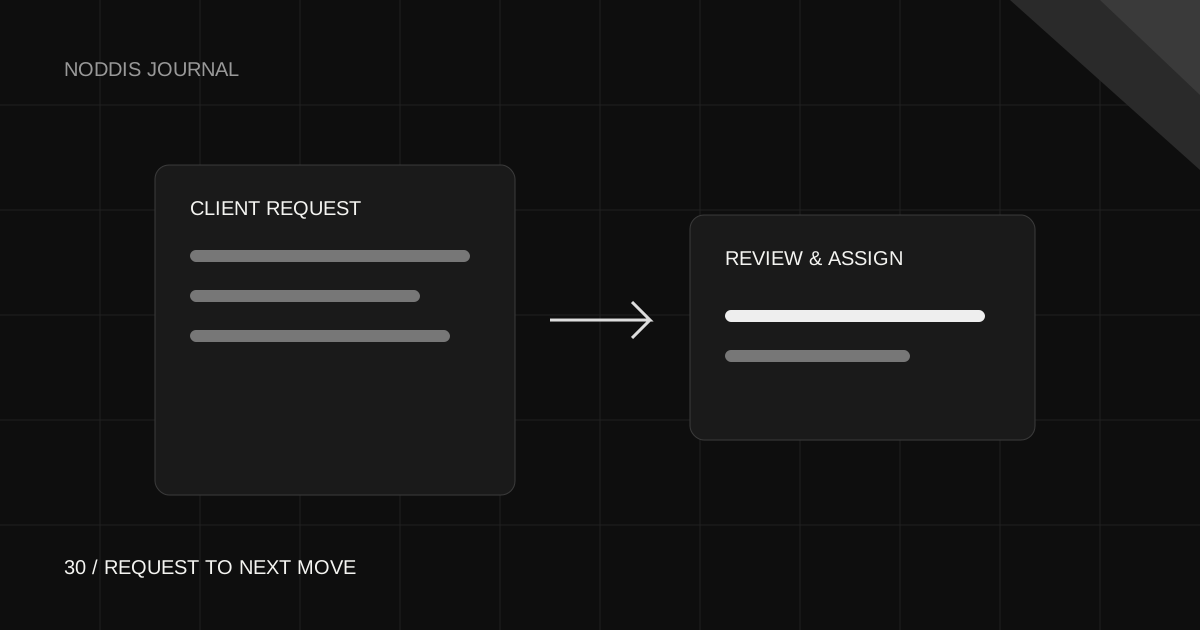
A useful client intake form captures the requester, requested outcome, project type, relevant context, a requested date, and supporting links. Send submissions to a review queue first. In Noddis Pro, Task Intake collects requests and Task Queue lets you review and assign them. A submission is not automatically an approved project task or a committed deadline.
Ask only for what makes a request actionable
A long form is tempting because every field looks useful in isolation. Start with the information you need to make one decision: accept, clarify, defer, or decline. Noddis’s intake form includes requester name, email, an assignment description, project type, optional notes, a requested due date, and an asset link.
Use the description to ask for the result: “Replace the homepage offer with the attached autumn promotion” is more actionable than “Website changes.” Put the reason and acceptance criteria in the notes. Link to supporting material with suitable access; do not collect passwords in a general request form.
Make the meaning of the date explicit
A date entered by a client is a request until you accept it. “Needed by Friday for a campaign launch” gives you a constraint to discuss. It does not create capacity or override work already promised.
In the form introduction or your kickoff instructions, explain when requests are reviewed and how you confirm a delivery date. This small agreement prevents the queue from becoming an unspoken service-level promise.
Review the queue in four passes
- Understand: can someone start from this description without another conversation?
- Check scope: is it agreed work, a correction, or a new request?
- Route: which project and person should own the next move?
- Confirm: agree on priority and date, then assign the approved work.
If details are missing, ask one specific question. Do not turn uncertainty into a vague task that everyone ignores. Keep the original request available so the person doing the work can see the context.
Set up the workflow in Noddis
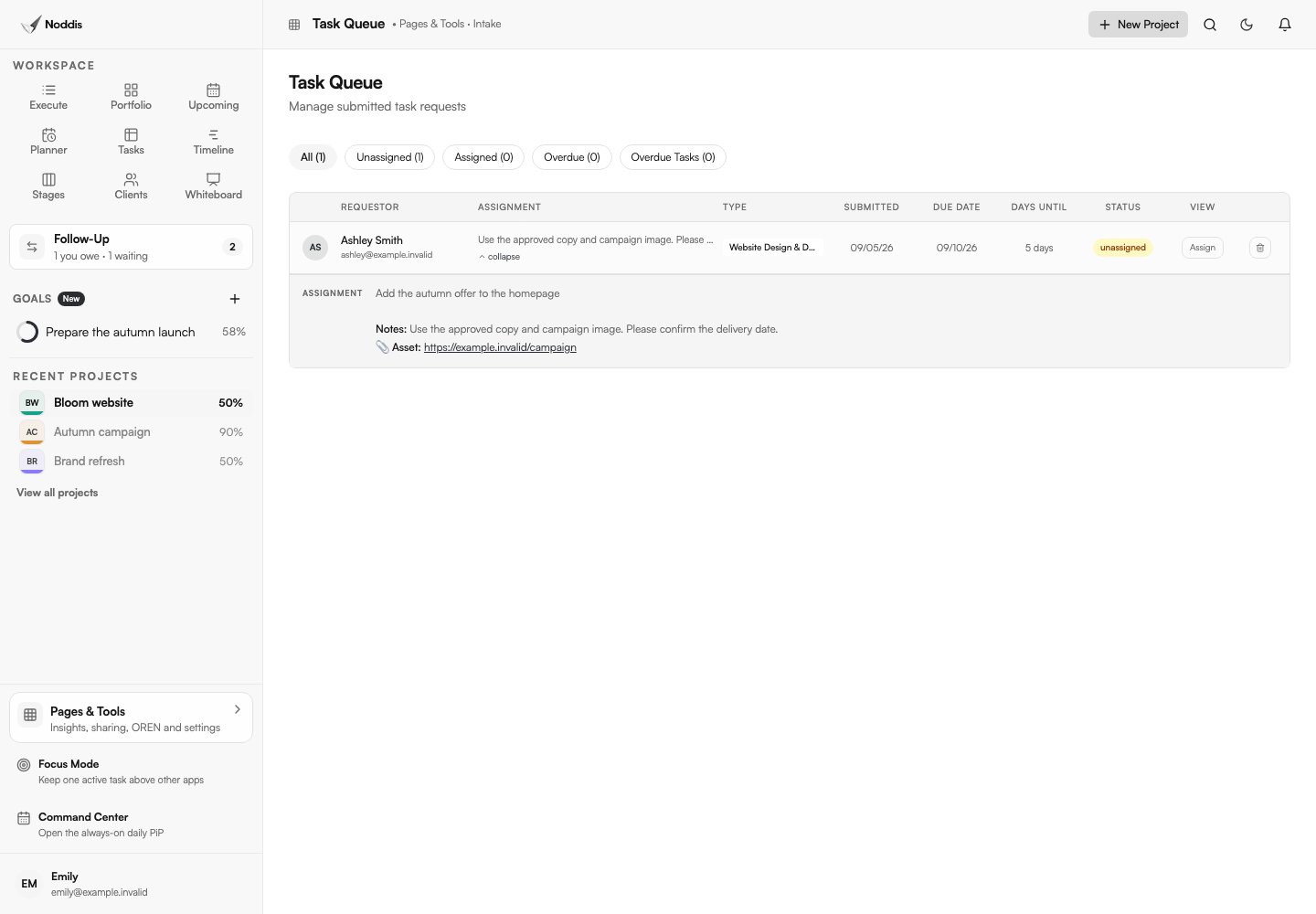
With Pro, open Task Intake from Pages & Tools and review the available form settings and link. Preview the form as a guest before sharing it. Submit a clearly labeled sample request, then open Task Queue and confirm its fields arrived correctly.
Review the submission and use the assignment action to place approved work in a project. The queue is the review boundary: receiving a request is different from accepting it. Keep the client informed when you clarify, schedule, or decline work.
Task Intake and Capture Inbox solve different input problems. Intake asks the sender to fill in a form. Capture works with supported incoming text, email, and Slack messages. Both benefit from deliberate review.
A request, a clarification, and an approved task
Request: “Can you update the website this week?”
Clarification: “Which page and offer should change, and is this tied to a launch date? Please send the approved copy and image link.”
Approved task: “Publish the autumn offer on the homepage using the approved copy and image, after staging review.”
The task now has a testable result. If the request adds a new page, record that scope decision before assigning it. For a longer-running engagement, a Drift baseline can make additions visible without deciding whether they are approved for you.
Common questions
How do I turn client requests into tasks without adding unreviewed work?
No. It enters the review queue. Assign approved work to a project deliberately.
Does a date on a client request form become a committed deadline?
No. Confirm scope, capacity, and the delivery date with the requester.
Can a client request form replace email and project discussions?
No. A form captures a request; decisions, clarifications, and progress updates still need a clear communication rhythm.

Katleen is the founder of Noddis. She runs client projects through her app studio, 693 Labs, and builds Noddis around the problems that work creates.
Last reviewed . Feature details reflect Noddis at the time of review.