
Short answer
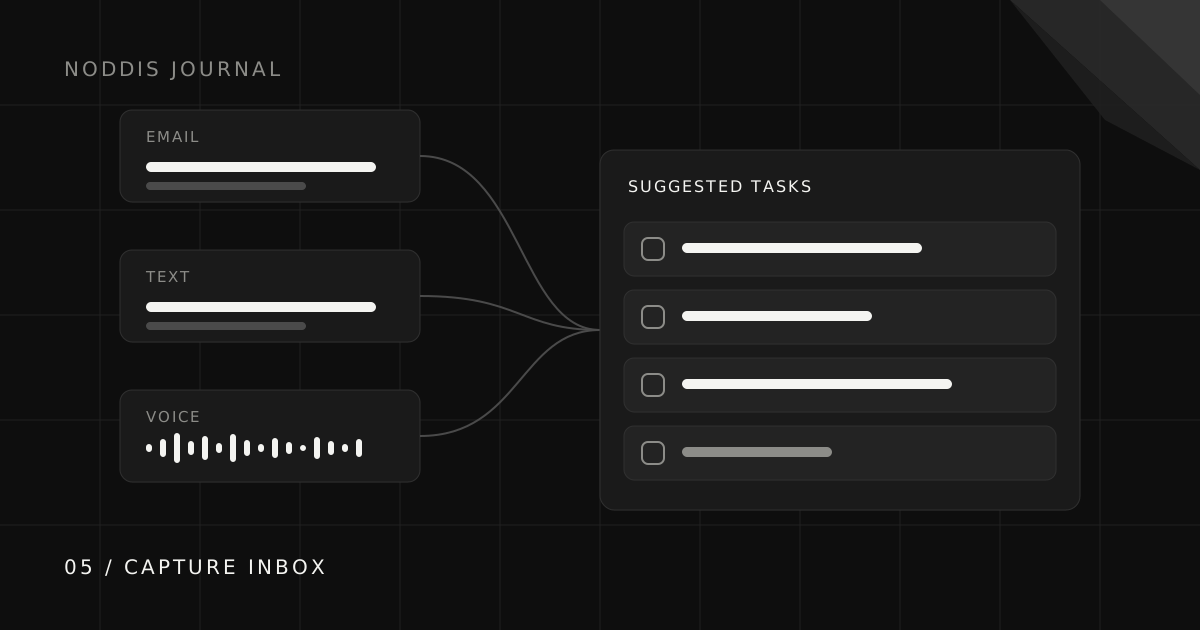
Give incoming requests a reliable destination, then turn them into tasks with a clear outcome and project. Noddis Capture Inbox receives text, forwarded email, and connected Slack messages for review. Voice Notes handles brain dumps and meetings separately: successful brain dumps can save routed work, while meetings store proposed actions in the note.
Where do client requests get lost?
Client requests get lost in the gap between where they arrive and where you plan. A client sends three changes in a reply-all, mentions a fourth on a call, and texts a fifth on Saturday. Each one is perfectly clear in the moment and practically invisible a week later, because it is sitting in a channel you do not plan from.
The fix is not to stop clients using those channels. They will not. The fix is a fast, reliable route from every channel into the project.
What is a good capture habit?
A good capture habit sends every request to one place and turns it into a dated task the same day. Five rules make it stick:
- One destination. Everything actionable goes to one inbox you trust, no matter where it came from.
- Same-day processing. Capture is quick; processing is deciding what it is. Do both before the day ends.
- Verb plus outcome. “Revise pricing table to show annual plan first” rather than “pricing stuff.”
- Attach it to a project and a date. A task without a home or a date is just a nicer-looking note.
- Close the source. Archive the email or mark the text done, so the inbox is not a second to-do list.
How do you handle one message that contains five requests?
When one client message contains several requests, split it into separate items before acting on any of them. Long client emails often bundle a decision, two revisions, a question, and something that is really new scope. Treat each one separately: the decision gets recorded, the revisions become tasks, the question becomes a reply, and the new scope becomes a conversation before it becomes work.
That last step matters. Requests that sneak in through a long email are the most common source of unpaid scope creep, and splitting the message is the moment you notice them.
Do voice notes and brain dumps really work as a capture method?
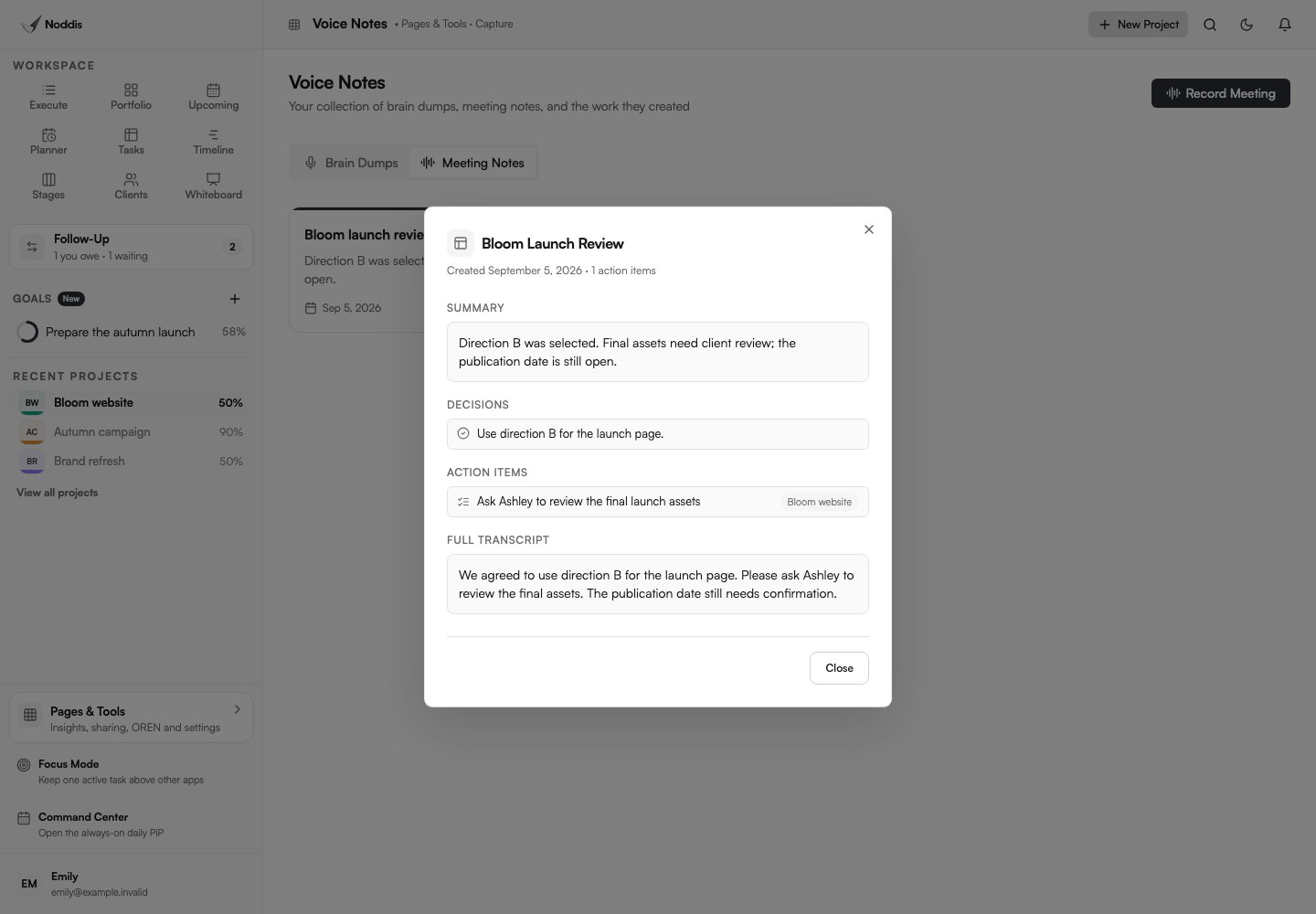
Speaking can help you capture a thought before it disappears. In Noddis, open Voice Notes to record a brain dump or meeting. This is separate from Capture Inbox. Check the saved transcript and results. A successful brain dump can save routed tasks automatically; Meeting Notes instead stores proposed actions in the note.
Microphone permission, browser support, audio quality, and the service response affect the result. A recording is useful only if the saved text and tasks match what was actually said.
How does Noddis Capture Inbox work?
Capture Inbox receives text messages sent to your capture number, emails forwarded to your capture address, and messages from a connected Slack integration. Review the extracted work, destination project, dates, and wording before applying it. Direct text shortcuts are a separate, explicit routing option.
Voice brain dumps and meeting notes use Voice Notes, not the Capture Inbox. A successful brain dump can save routed projects and tasks automatically, so inspect the saved transcript, routing, tasks, and dates immediately. Meeting Notes saves proposed actions for review; those are not automatically project tasks. Email and Slack Capture are Pro features; Free includes five received text captures. Check pricing for the current allowances.
Applied tasks appear in their destination project. Add a Follow-Up commitment if someone owes a next move, and explicitly include suitable tasks in an enabled client portal. These are deliberate choices; saving a task does not automatically publish it to clients.
Common questions
How do I turn an email into a task?
Decide the single outcome the email is asking for, write it as a verb plus an outcome, attach it to the right project with a date, then archive the email. Tools like Noddis Capture Inbox can suggest the tasks for you to approve.
Can I turn voice notes into a to-do list?
Yes. Record the brain dump, then use a tool that transcribes it and splits it into separate tasks you can review. The review step is what turns a recording into a plan.
Should every client email become a task?
No. Only actionable requests become tasks. Decisions should be recorded, questions answered, and new scope discussed before it becomes work.
How often should I process my capture inbox?
At least once a day, and ideally right after calls. Capture is only useful if what you captured reaches a project before you forget the context.

Katleen is the founder of Noddis. She runs client projects through her app studio, 693 Labs, and builds Noddis around the problems that work creates.
Last reviewed . Feature details reflect Noddis at the time of review.