
Short answer
Track every client follow-up in the same place as the project it belongs to, with four steps: capture the request, clarify it into a concrete outcome, commit it to one owner and a date, and close the loop visibly. Keep two lists per client: what you owe them and what you are waiting on from them. Each waiting item still needs a date for your next nudge.
Why do client follow-ups slip through the cracks?
Client follow-ups slip through the cracks because the promise and the project live in different places. Memory fills the gap for a while, which works fine with two clients and falls apart somewhere around five, when the mental system turns into a low hum of anxious reminders: reply to this, check on that, do not forget the other thing.
The usual patches make it worse. Flagged emails are a list that only covers email. A sticky note covers today. A CRM tracks the conversation but not the deliverable, the file, or the deadline the reply is blocking.
How does the capture-to-close loop work?
The capture-to-close loop has four steps that every client request passes through: capture, clarify, commit, and close.
- Capture. Get the request out of the inbox, text thread, or call notes and into the place you review project work. Do not leave actionable messages scattered across apps.
- Clarify. Rewrite the request as a concrete outcome. “Client wants it warmer” becomes “Send a warmer color direction for approval.”
- Commit. Give it one owner and a useful date. If the next move belongs to the client, record that explicitly.
- Close. Deliver the response or the work, then mark the loop complete where the client can see it. If the answer changed, close with the new decision rather than silence.
How should you track what you owe versus what you are waiting on?
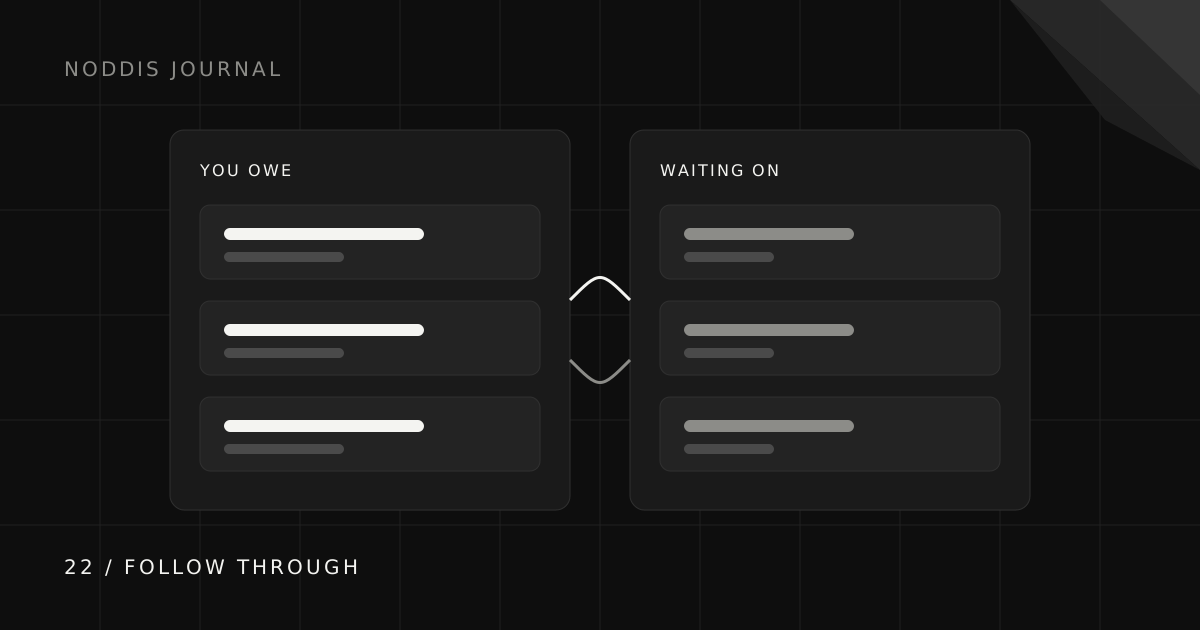
Split every client’s open loops into two lists. You owe is work and replies you have promised. Waiting on is input the client has promised you: feedback, files, approvals, payment.
The second list is where projects quietly die, because it feels like someone else’s job. It is not. Every waiting item needs a date for your next nudge and a note about what it blocks. “Waiting on homepage copy, blocks dev start, nudge Thursday” is something you can act on. “Waiting on client” is not.
Make each request easy to complete: name the exact deliverable, ask one question, and include the link. “Any thoughts?” invites delay; “Please choose direction A or B by Thursday so we can keep Friday’s review” gives the decision a shape.
What are two follow-up messages you can reuse?
Two follow-up messages cover most situations: a gentle nudge for a pending decision and a loop-closer when you deliver.
A gentle nudge
Closing the loop
What should you do when a client goes quiet?
Lower the effort it takes to answer before raising the frequency of reminders. Restate the decision in one sentence, offer two options where you can, and say which project date the answer affects.
A sensible sequence is a short reminder on the planned date, then a second note that proposes a safe default (“if we do not hear otherwise by Thursday, we will go with option A”), then a direct conversation about rescheduling if the silence genuinely changes the timeline. Use a default only when it is safe and reversible.
Throughout, keep the client-facing status honest. “Paused, waiting on homepage copy approval” is more useful to everyone than a generic “in progress,” because it names the constraint without blaming anyone.
How does Noddis keep follow-ups attached to the work?
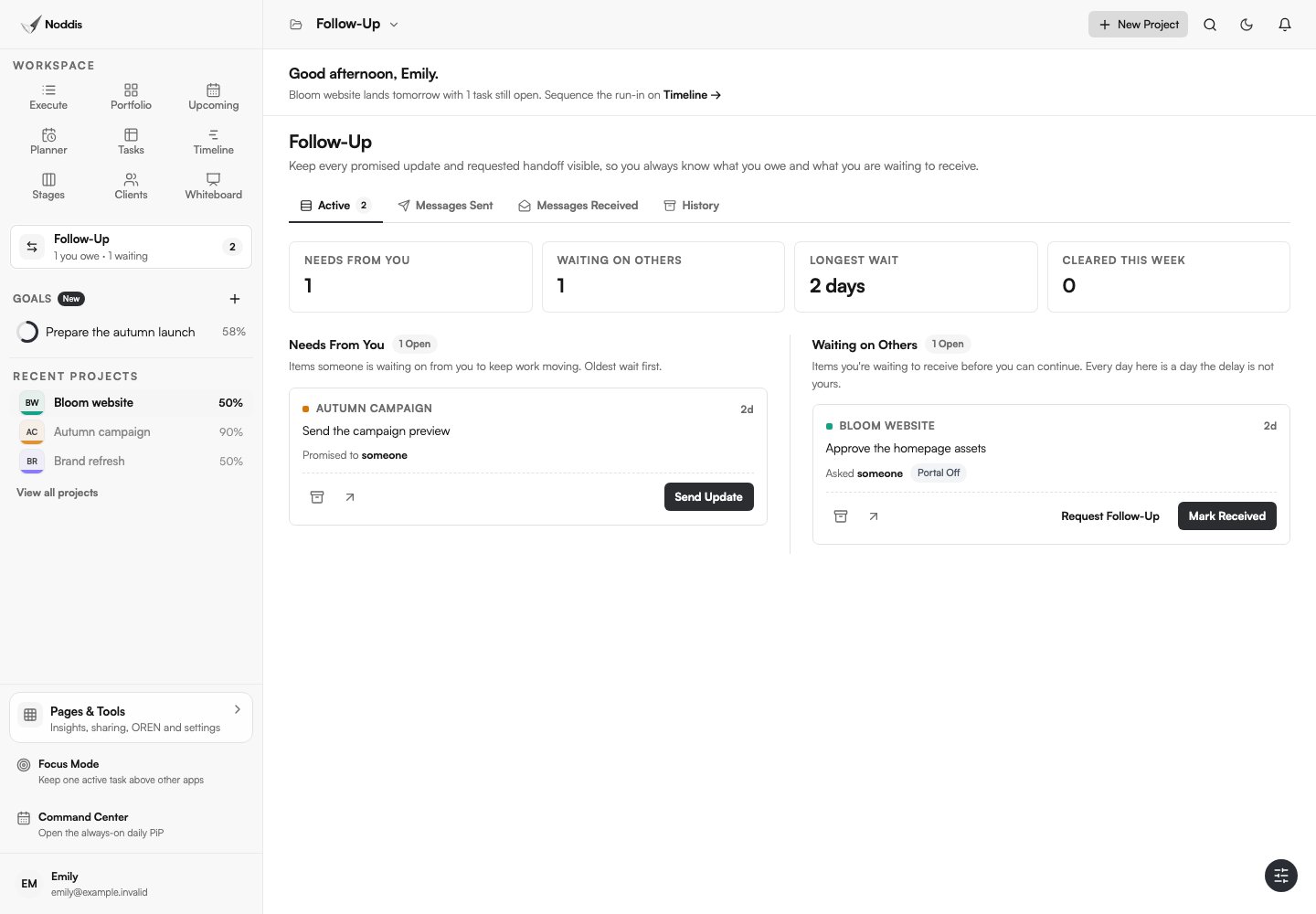
In Follow-Up, record a task-linked commitment, choose whether you owe the next move or are waiting on someone else, and set a date. The workspace brings those recorded commitments together across projects you can access. An ordinary task does not become a follow-up just because it exists.
Resolve a commitment when the exchange is finished. Resolving it and completing the underlying task are separate decisions: receiving an approval does not automatically mean the deliverable is done.
Capture Inbox can help turn incoming text, email, or Slack requests into tasks. Create the associated commitment deliberately when it needs a next move from you or another person. See the capture guide for the separate voice workflow.
Common questions
What is the best way to track client follow-ups?
Track them in the same system as the client and the project, with a clear outcome, one owner, a next-action date, and a clear split between work you owe and input you are waiting for.
How many times should you follow up with a client?
There is no universal number. Agree on response times at kickoff, make each request specific, and adjust the plan when silence affects delivery instead of sending endless nudges.
Is a CRM enough for client follow-ups?
A CRM is good at tracking conversations and sales. Project follow-ups depend on deliverables, files, and deadlines, so they work better alongside the project itself.
How do I stop forgetting to reply to clients?
Capture every request into one place the moment it arrives, turn it into a dated action, and review that one place daily. The fix is a single inbox for commitments, not a better memory.

Katleen is the founder of Noddis. She runs client projects through her app studio, 693 Labs, and builds Noddis around the problems that work creates.
Last reviewed . Feature details reflect Noddis at the time of review.