
Short answer
A client onboarding checklist covers four stages: confirm the agreement (scope, price, payment terms, change process), collect what you need (access, files, brand assets, contacts), set the working rhythm (communication channel, update day, response times, approval rules), and run a kickoff that ends with dated next steps on both sides. Send a one-page summary and a link to live project progress before any real work starts.
Why does client onboarding matter so much?
Client onboarding matters because it sets the expectations every later conversation is measured against. When a client does not know how revisions work, when updates arrive, or who approves what, they fill the gap with their own assumptions, and those assumptions almost never match yours.
It is also the moment you have the most goodwill. The contract is fresh, both sides are optimistic, and asking for access, decisions, and a single point of contact feels natural. Six weeks in, the same requests can feel like friction.
What should a client onboarding checklist include?
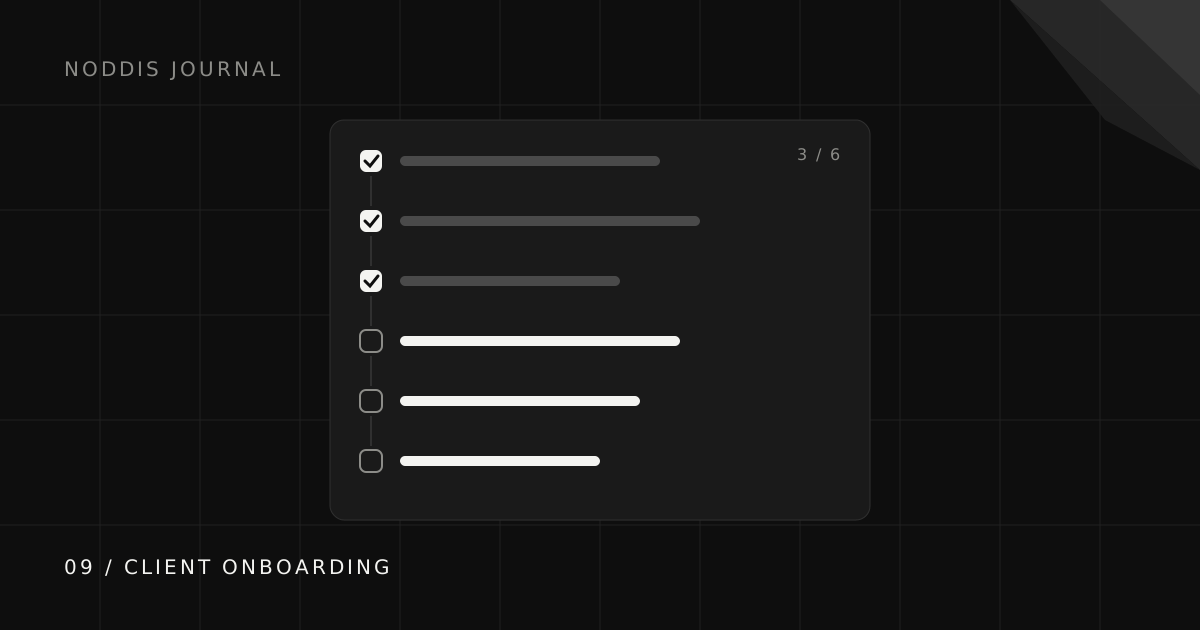
A complete client onboarding checklist has twelve steps across four stages. Copy the ones that fit your work and drop the rest.
Stage 1: Confirm the agreement
- Restate the scope in plain language. List the deliverables and, just as usefully, what is not included.
- Confirm the change process. How does a new request get quoted, approved, and scheduled?
- Confirm payment terms and the first invoice date. Awkward later, easy now.
Stage 2: Collect what you need
- Access: logins, admin invites, shared drives, and any tools you will work inside.
- Assets: brand files, previous work, research, and examples they like or dislike.
- People: one decision maker, one day-to-day contact, and anyone else who must approve.
Stage 3: Set the working rhythm
- Pick one channel for requests, so work does not arrive in five places.
- Agree on an update day and what an update will contain.
- Set response expectations in both directions, including how long feedback rounds take.
Stage 4: Kick off and confirm
- Run a kickoff call that walks the timeline and the first milestone.
- Send a one-page summary of everything agreed, within 24 hours.
- Share where progress lives, ideally a link the client can open any time.
What does a client onboarding email template look like?
A client onboarding email should summarize the agreement, list what you still need, and state the rhythm, all in a format the client can skim in under a minute.
What are the most common client onboarding mistakes?
The most common client onboarding mistakes are starting work before access arrives and leaving approvals undefined. Watch for these:
- Starting before the kickoff summary is sent. The summary is the document you will point back to when memories differ.
- Two decision makers, no tie-breaker. Ask who has the final say before the first round of feedback, not during it.
- Accepting requests from every channel. Email, texts, DMs, and calls all at once guarantees something gets lost.
- No first milestone inside two weeks. Early visible progress builds the trust that carries you through the slower middle.
How do you make onboarding repeatable for every new client?
Make onboarding repeatable by turning the checklist into a template project you copy for each new client, with the tasks, the email, and the kickoff agenda already in it. The second time you onboard a client, you should only be filling in names and dates.
Track the “still needed from client” items as dated follow-ups rather than a mental note. The client follow-up guide explains how to keep those visible until they arrive.
How does Noddis help with client onboarding?
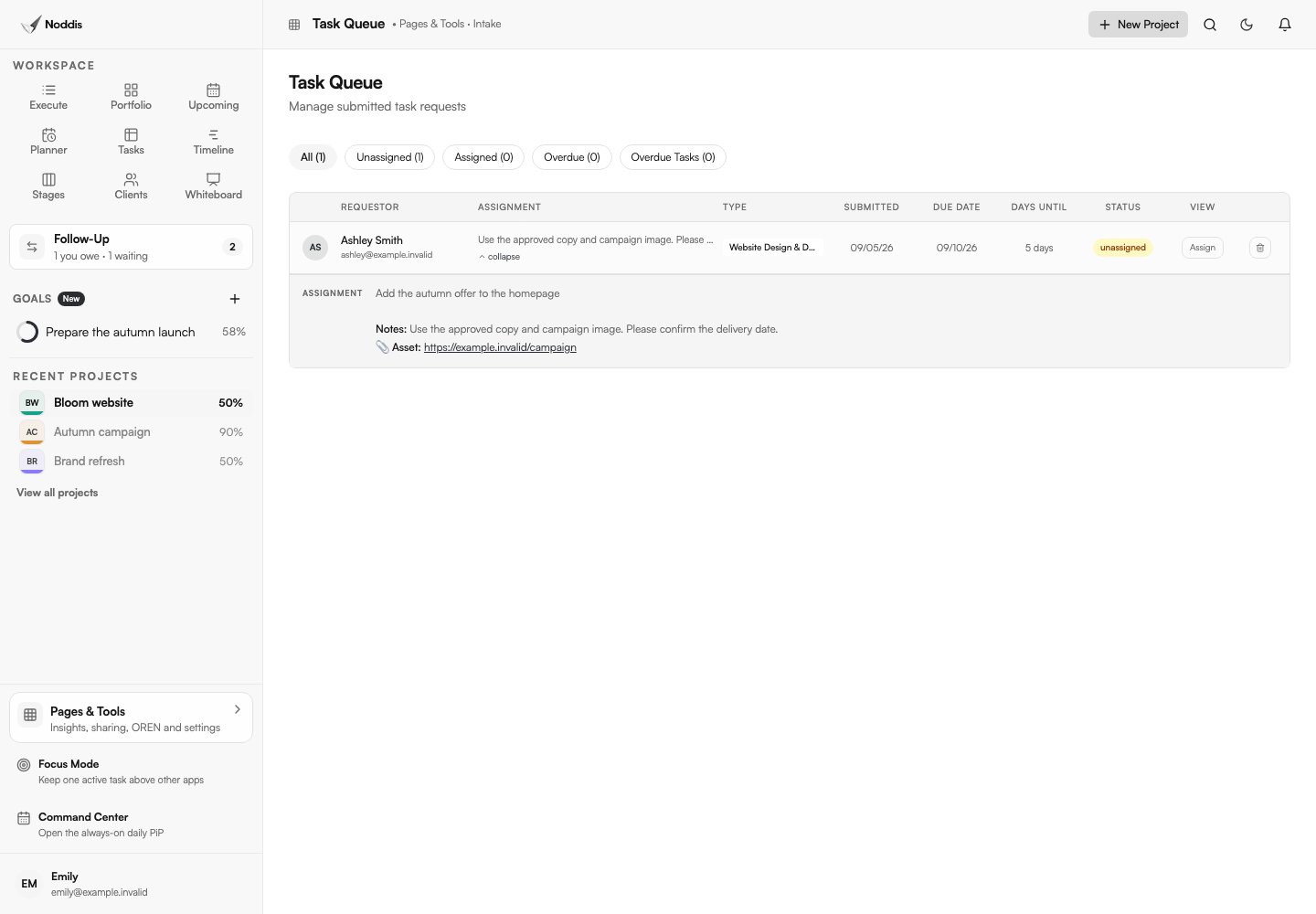
Create the engagement and its agreed deliverables in Noddis. Route supported email, text, or Slack requests through Capture Inbox; record a kickoff in Voice Notes when appropriate, then check the transcript and resulting work. Add commitments for the access, assets, and decisions you are waiting on.
For a Pro portal, enable sharing, select client-facing tasks and sections, and preview it before sending the kickoff email. Keep credentials out of tasks and share links: use a suitable password manager or access invitation for those.
Common questions
What is a client onboarding checklist?
A client onboarding checklist is a repeatable list of steps for starting work with a new client: confirming scope and terms, collecting access and assets, setting communication rules, and running a kickoff that ends with dated next steps.
How long should client onboarding take?
For most service projects, one week. Long enough to collect access and agree on the rhythm, short enough that real work and a first visible milestone start quickly.
What questions should I ask a new client?
Ask who makes final decisions, what success looks like, what they have tried before, which examples they like, how they prefer to communicate, and what dates are fixed on their side.
Should onboarding happen before or after the contract is signed?
After. Use the sales process to agree on scope and price, then use onboarding to turn the signed agreement into a working plan with access, contacts, and dates.

Katleen is the founder of Noddis. She runs client projects through her app studio, 693 Labs, and builds Noddis around the problems that work creates.
Last reviewed . Feature details reflect Noddis at the time of review.