
Short answer
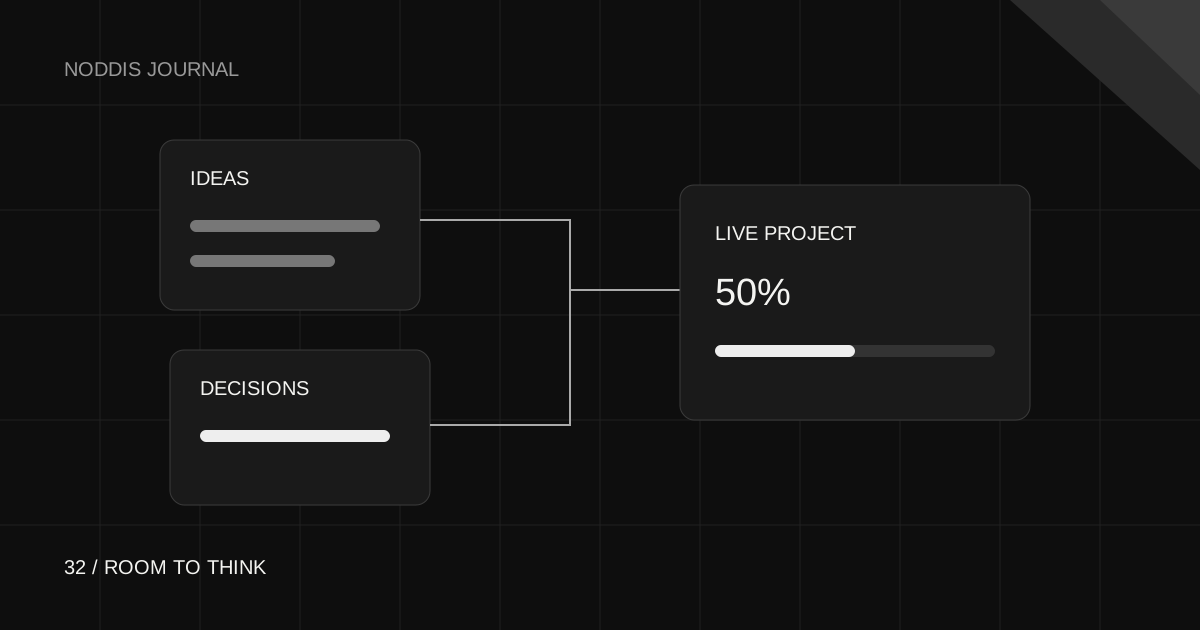
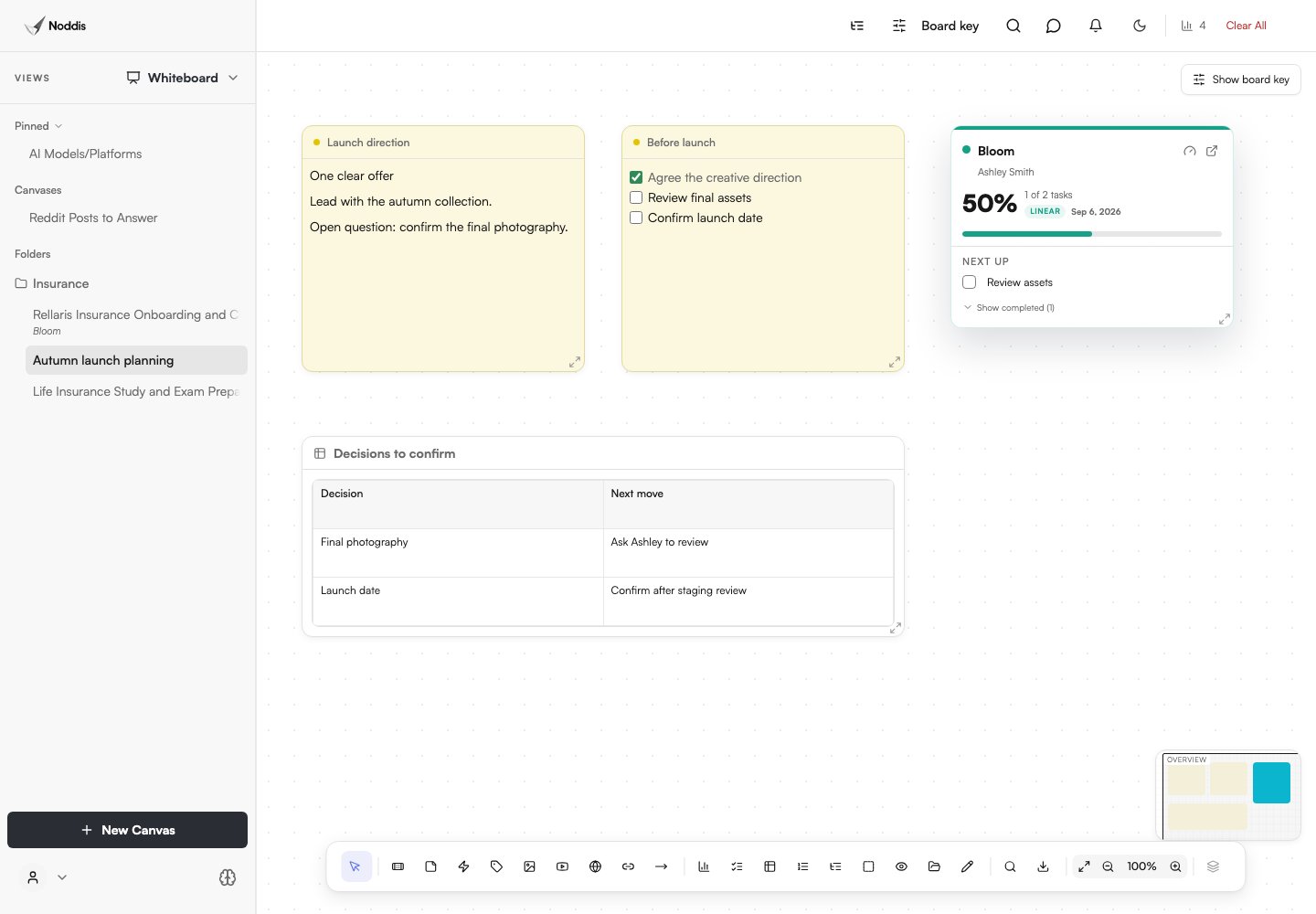
Use a whiteboard to collect ideas, group related work, and expose questions before committing to a task list. In Noddis Pro, a canvas can hold visual material and live project cards. The card connects your planning surface to project context; drawing an arrow or moving a note does not automatically create a task or dependency.
Give the canvas one question to answer
“Plan everything” produces a crowded board. “What must be true before this website can launch?” gives the canvas a boundary. Put that question at the top, then collect requirements, reference images, useful links, and unresolved concerns.
Keep one idea per note so it can be moved without rewriting a paragraph. Label examples and assumptions clearly. An attractive reference image is not an approved design direction just because it appears near the project title.
Group the work before choosing the sequence
Arrange related notes into outcomes such as content approved, design approved, build checked, and launch ready. Put unknowns near the outcome they affect. This often reveals that the next useful action is a question, not another production task.
Draw connections when they help explain a sequence, but distinguish an illustrative arrow from a real project dependency. If approval is a prerequisite, record that dependency in the task system as well.
Add a live project card in Noddis
Whiteboard is a Pro workspace. Create or open a canvas, then use its project-card option to bring a project into the planning surface. Keep the card beside the notes that explain the work. It gives you a route back to the project instead of making the canvas a separate status report.
A canvas can exist without a project. You can use one for early research, several projects, or personal thinking. Choose the structure that helps the work rather than forcing every note into a client relationship.
Move from ideas to commitments deliberately
- Mark the decisions you have actually made.
- Choose a small finished outcome for the next work block.
- Create its task in the correct project, with an owner and a date only when appropriate.
- Record any prerequisite as a task dependency.
- Leave the supporting context on the canvas or in project notes.
Noddis does not convert every drawn shape into project work. That boundary is useful: a canvas can stay exploratory while the task list contains only work you have chosen to do.
Keep canvases findable without pinning everything
Use a folder for a collection you return to together, and pin only the canvases that need quick access. A new canvas that is neither pinned nor assigned to a folder belongs in the unfiled area. Creating it should not silently make it a pinned item.
Use a name that describes the decision or engagement, such as “Autumn launch planning,” rather than “Untitled 7.” When sharing, check the canvas’s own sharing controls and the content visible to a recipient. A project portal and a whiteboard share link are separate surfaces.
End the planning session with a small handoff
Before closing the canvas, check that someone can answer three questions: what was decided, what happens next, and what is still unknown? If the answers require you to explain every sticky note, simplify the board.
The finished artifact is not a perfectly organized canvas. It is a clear next action with enough context that you can return tomorrow and start. Use the canvas again when the plan changes, not as a second place to manually duplicate every task update.
Common questions
Can I plan a project on a whiteboard before creating the project?
No. It can stand alone. Add live project cards when project context is useful.
Does connecting cards on a whiteboard create task dependencies?
No. Record a real prerequisite in the project task controls. The canvas arrow is a visual explanation.
How do I keep an important project whiteboard easy to find?
Pin a canvas you use often or place it in an appropriate folder. New canvases do not automatically appear under Pinned; leaving a canvas unpinned keeps that section reserved for your deliberate shortcuts.

Katleen is the founder of Noddis. She runs client projects through her app studio, 693 Labs, and builds Noddis around the problems that work creates.
Last reviewed . Feature details reflect Noddis at the time of review.