
Short answer
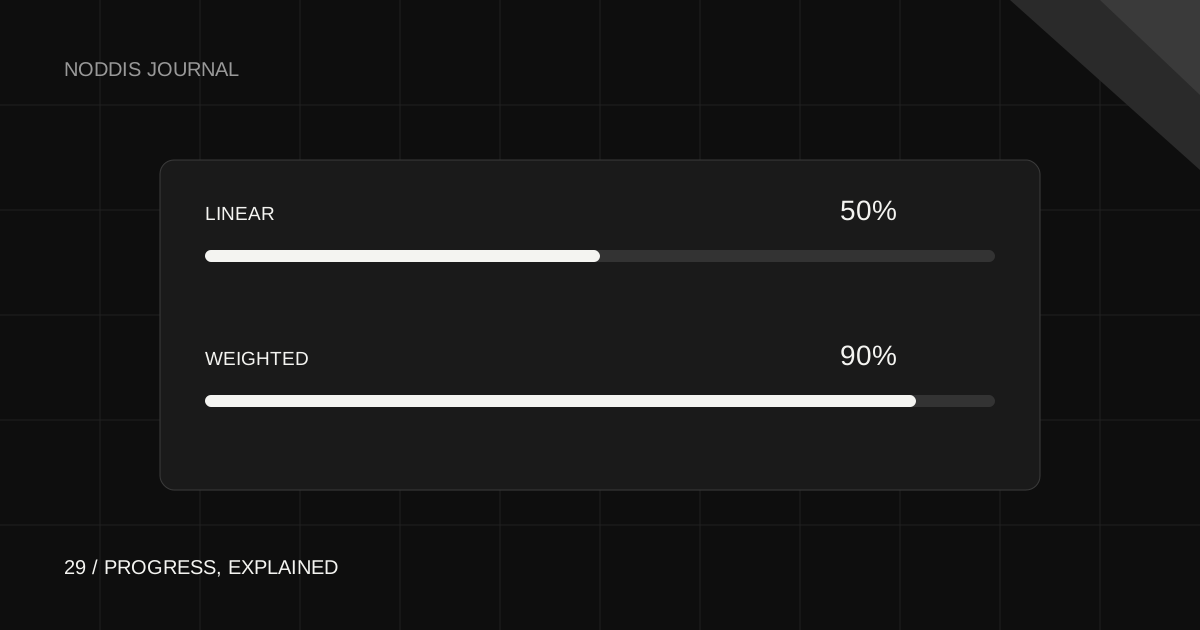
Linear progress counts completed active tasks and subtasks divided by the active total. Weighted progress allocates the project across root tasks, then uses each branch’s completion fraction within its share. Choose Linear for equal recorded work items and Weighted when root deliverables should contribute differently. Neither automatically measures time, value, or effort.
What Linear counts
Linear answers a simple question: how many active work items are marked complete? In Noddis, the count includes root tasks and nested subtasks. Archived branches are excluded. A mirrored root that appears in the same project is counted once.
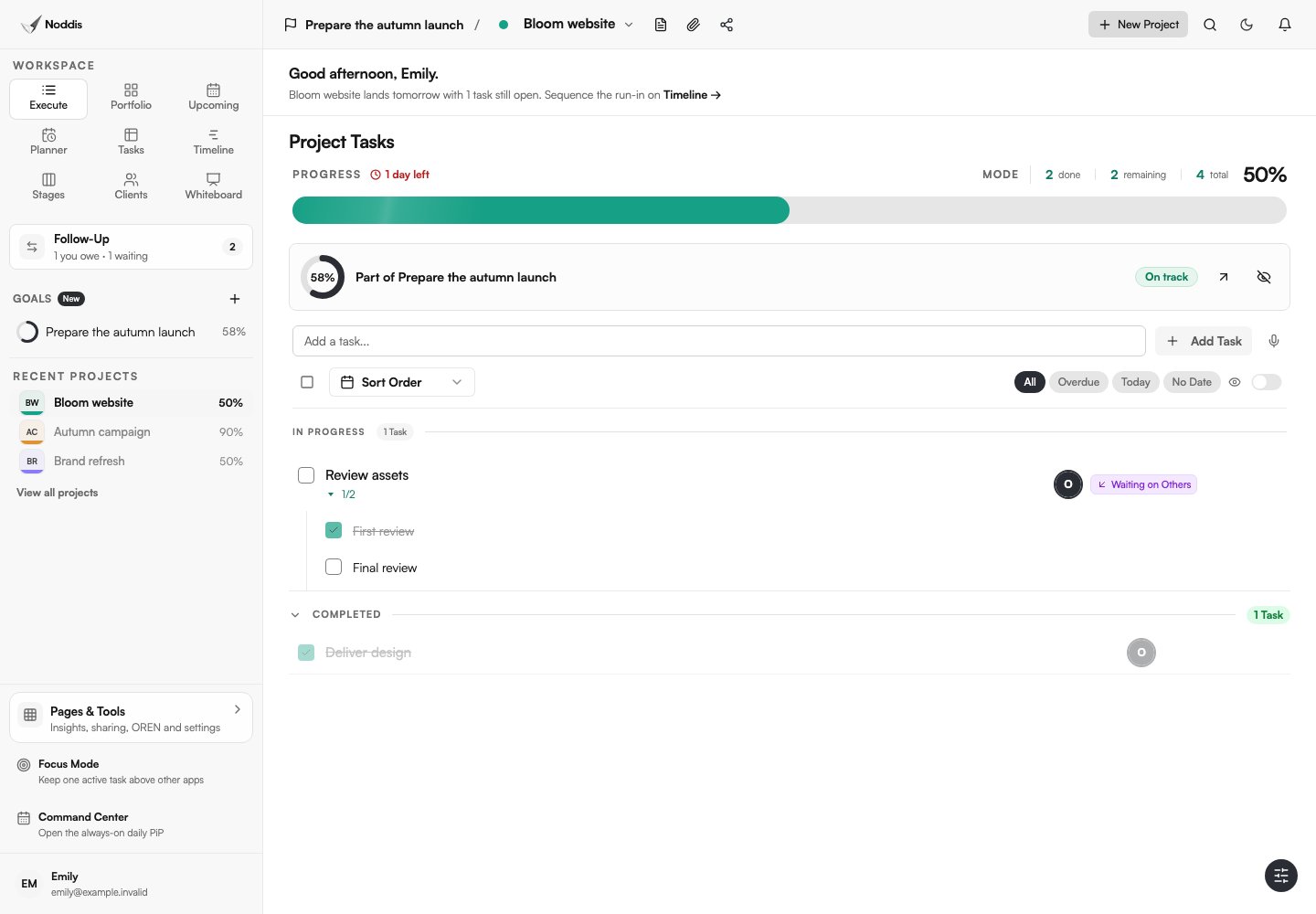
For example, a completed standalone task plus an unfinished parent with two subtasks, one finished, gives four counted items and two completed items: 50%. A parent is an item in this count, so do not assume the denominator is only the leaf checkboxes.
What Weighted changes
Weighted mode gives each root task a share of the project. Within a branch, its immediate children split that branch’s share equally, recursively. A leaf contributes according to its completed state. This lets a major deliverable matter more than a small administrative task.
Use the same example: give the finished standalone task a weight of 80 and the unfinished two-child branch a weight of 20. The branch is halfway through its children, so project progress is 80% + (20% × 1/2) = 90%. The work is unchanged; the measure has changed.
These weights express the relative contribution you choose. Noddis does not infer hours worked or billable value from them.
Why nesting changes the interpretation
Imagine a root with two children. One is a single leaf, and the other has several descendants. In Weighted mode the two immediate branches still receive equal portions of that root’s share; the deeper branch divides its portion further. In Linear mode all active task and subtask items contribute to the count.
That is why moving or adding subtasks can change a percentage. Use nesting to describe the work clearly, then choose the mode that matches how you want to explain delivery. Do not reorganize a tree just to make the bar rise.
Choose a mode before reporting
- Use Linear for a checklist whose items are a useful unit of progress.
- Use Weighted when a few major deliverables should control the result.
- Explain the chosen measure in a client update or project note.
- Review weights when agreed scope changes, not after every uncomfortable status update.
In Execute, use the progress mode controls for the selected project. Portfolio and Goals read that project’s selected calculation. Cross-project task views can have their own aggregate counts, so compare the same scope before expecting matching percentages.
Check the result before sharing it
- Confirm the active tasks, subtasks, and archived items.
- Check the root weights if Weighted is selected.
- Look at a branch’s children when its contribution surprises you.
- Remember that rounding can hide small changes.
- Pair the number with the next deliverable and any blocker.
“90%, with the final approval still open” is more useful than a number alone. A correct progress calculation can still be a poor delivery forecast if the last task is the hardest one.
Common questions
Does filtering tasks change the project completion percentage?
No. Hiding rows with a visible filter does not redefine the active project total.
Is weighted project progress the same as time tracking?
No. Root weights express the contribution you assign. They do not measure elapsed time.
Can I combine weighted projects into one overall goal?
Yes. A goal uses each project’s selected progress mode, then applies the project’s share of the goal.

Katleen is the founder of Noddis. She runs client projects through her app studio, 693 Labs, and builds Noddis around the problems that work creates.
Last reviewed . Feature details reflect Noddis at the time of review.