
Short answer
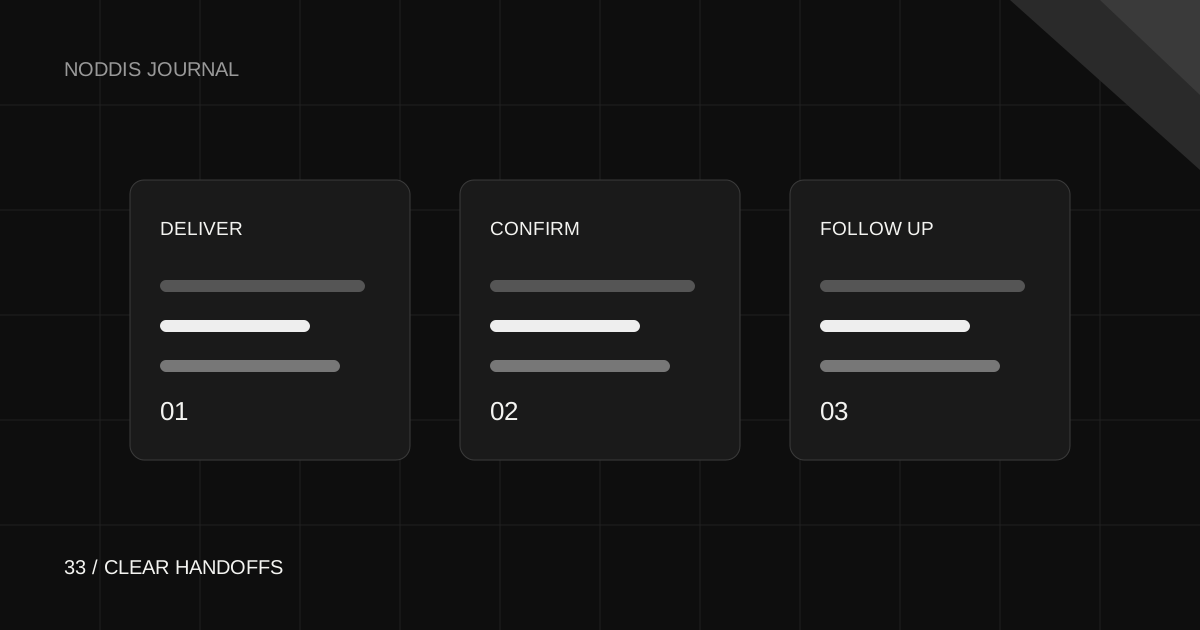
Noddis connects project work with a built-in Follow-Up workspace for what you owe and what you are waiting to receive. Pro client portals let you share selected project content for a handoff. Together, these support client delivery and follow-up, but you still define the deliverables, review access, send the update and confirm acceptance. They do not make every approval or message automatic.
What counts as a built-in client handoff workflow?
A file link alone is not a handoff. A useful handoff tells the client what was delivered, where to find it, what they need to do next and who owns the next action. Follow-up keeps that next action visible until it is resolved.
When evaluating software, look for a place to connect deliverables with project context, a way to share the right content, and a record of outstanding commitments. Some tools support these steps through configured tasks, templates or integrations. A product with a dedicated follow-up view can make the distinction easier to maintain.
Do not assume that a feature called “approval” is an electronic signature or legal acceptance record. If you need a specific approval or compliance process, check that requirement separately.
How do client handoffs and follow-ups work in Noddis?
Noddis keeps the project’s tasks and context connected. Follow-Up separates things someone needs from you from things you are waiting to receive. This helps distinguish “send the final files” from “get confirmation that the client can open the files.”
Pro client portals provide a configurable view of project content. Review visible tasks, files and sections before sharing, then choose appropriate access controls. An unrestricted link may be forwarded; no-login access should not be confused with verification of the viewer’s identity.
When a commitment is resolved, update it deliberately. Resolving a follow-up and completing a project task are separate actions. Keeping that distinction avoids reporting the work as accepted simply because you sent an email.
What should a client handoff checklist include?
- Deliverables: list the final files, links or outcomes included in this handoff.
- Location: use one clear destination and distinguish final versions from working drafts.
- Instructions: explain how to use the deliverable and any known constraints.
- Access: verify that the client can open what you intend to share.
- Next action: name the decision or confirmation you need and who should respond.
- Follow-up: record when you will check back if a response is still outstanding.
For a website project, the handoff might include the published URL, approved assets, instructions for routine updates and a list of remaining decisions. Keep credentials in an appropriate secure sharing tool rather than placing secrets in an unrestricted project link.
What can you say when handing over a project?
Hi [name],
The [deliverable] is ready here: [link]. This handoff includes [items]. Please review [specific detail] and confirm [decision or access check] by [agreed date].
I’m still waiting on [remaining item], which affects [next step]. I’ll follow up on [date] if I haven’t heard back.
Thanks,
[your name]
Use an agreed deadline rather than inventing urgency. Record your promised follow-up separately from the client’s requested response. If the client finds an issue, clarify whether it is part of the agreed delivery or a new request before adjusting scope.
How should you compare tools for client delivery?
Test an incomplete handoff, not only a successful one. Share a sample deliverable, make the approval late and ask the tool to show what remains outstanding. Can you tell what you owe, what the client owes and where the context lives?
Check whether client access is included in the plan you are evaluating, whether the recipient needs an account and how files are protected. Noddis’s plan comparison explains which client-facing capabilities require Pro. For other products, verify the exact sharing and follow-up behavior in their current documentation.
The goal is a clear delivery routine. Use a follow-up system for ongoing commitments and a status update template for communication. Try the live demo to see whether Noddis’s approach fits how you work.
Common questions
Does Noddis automatically complete a project when I send the client a handoff?
No. Sending an update, resolving a commitment and completing a task are distinct actions. Review each state and confirm client acceptance according to your agreed process.
What is the difference between a client portal and a follow-up tracker?
A portal shares selected project information with the client. A follow-up tracker records outstanding commitments, including what you owe and what you are waiting to receive.
Can clients receive a handoff without creating an account?
A configured Noddis Pro portal can provide no-account viewing. Review access controls and shared content first; an unrestricted link can be forwarded.
How do I remember to follow up after delivering files?
Create an explicit commitment describing the confirmation you need, the owner and the agreed follow-up timing. Review it until it is resolved instead of treating the sent file as the end of the process.

Katleen is the founder of Noddis. She runs client projects through her app studio, 693 Labs, and builds Noddis around the problems that work creates.
Last reviewed . Feature details reflect Noddis at the time of review.