
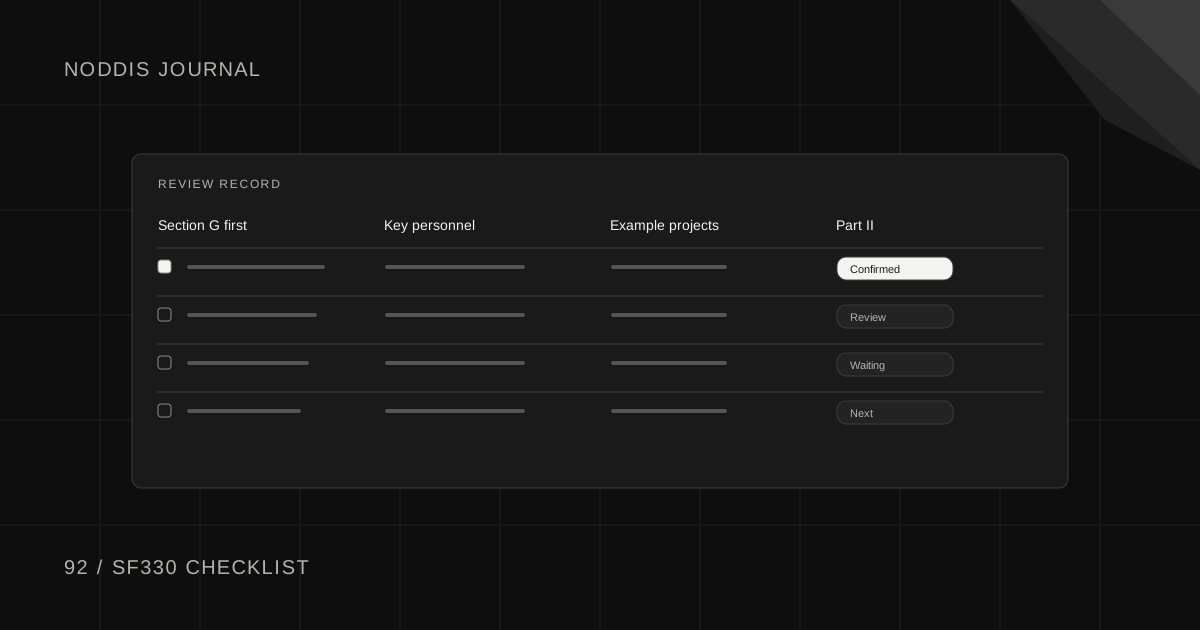
Short answer
This SF330 checklist lists every section of Standard Form 330, who in the firm usually owns it and when to collect it. The form itself is short. The work is gathering resumes, project sheets and team information from people who are busy, and making sure the sections agree with each other before the authorized representative signs.
Free resource
Download the SF330 section checklist. The file is a blank CSV that opens in Excel, Google Sheets or Numbers, with one row per section and columns for the owner, the date requested, the date due and the status. No account is required.
What is the SF330?
The SF330 is Standard Form 330, Architect-Engineer Qualifications, the form U.S. federal agencies use to collect qualifications from architecture and engineering firms. The General Services Administration publishes it in its forms library as Form SF330, revision 07/2021. Some state and local owners ask for the same form.
The form has two parts. Part I is written for one specific contract and describes the proposed team, its key people and its relevant projects. Part II is a general statement of a firm's qualifications. A solicitation says which parts it wants, how many pages are allowed and how the submission is delivered, and those instructions override any general advice, including this checklist.
SF330 checklist by section
Use this table as the working checklist. The owners shown are typical for a small or mid-sized firm, so adjust them to yours.
| Section | What it holds | Usual owner | Collect it |
|---|---|---|---|
| Part I, A | Contract title, location, solicitation number | Proposal coordinator | Day 1 |
| Part I, B | The firm's point of contact | Proposal coordinator | Day 1 |
| Part I, C | The proposed team and each firm's role | Principal in charge | At kickoff |
| Part I, D | Organizational chart of the team | Principal, then graphics | After C is fixed |
| Part I, E | Resumes of key personnel, one per person | Each person, edited by marketing | After G is drafted |
| Part I, F | Example projects, one sheet per project | Project managers | After G is drafted |
| Part I, G | Matrix of which key people worked on which example projects | Proposal coordinator with the principal | First |
| Part I, H | Additional information the solicitation asks for | Technical lead | Mid-schedule |
| Part I, I | Signature of the authorized representative | Principal | Final day |
| Part II | General qualifications of each firm and office | Marketing, and each subconsultant | Request at kickoff |
Section descriptions follow OpenAsset's guide to the form, written by Rachelle Ray, its director of industry innovation.
In what order should you complete the SF330?
Complete the SF330 from the middle outward: settle Section G first, then collect Sections E and F to match it. Section G is the matrix that connects people to projects, so it decides which resumes and which project sheets you need.
Ray is direct about it: "My number one piece of advice: don't fill out the SF330 front to back." Start from the story you want the matrix to tell, which is that your proposed people have done this kind of work together.
A workable order:
- Read the solicitation for the selection criteria and limits.
- Draft Section C, the team, with the principal.
- Draft Section G: pick the key people and the example projects.
- Request resumes for Section E and project sheets for Section F.
- Request Part II from each subconsultant.
- Write Section H.
- Check E, F and G against each other, then get the signature in Section I.
Step 3 before step 4 saves the most time. Asking twelve engineers for resumes and then using six wastes everyone's goodwill.
Who owes you what, and how much of it?
For most SF330 submissions, the bulk of the chasing is resumes and project sheets. Two limits keep the list short.
On people, Ray's guide says: "Unless the solicitation says otherwise, Section E covers key staff only, not everyone who will touch the project." Ask only the people who will appear in Section G.
On projects, the same guide notes: "If not otherwise specified, the limit is 10 projects." Ten is a ceiling, and the solicitation can set a lower one. Pick the projects that fill the matrix best.
For each request, tell the owner the format, the length and the date, and attach their last version to edit. The guide to getting proposal input from subject matter experts has wording you can copy.
What are the most common SF330 mistakes?
The most common SF330 mistakes are mismatches and omissions that a final cross-check catches. Run this list the day before submission:
- Sections E, F and G disagree. A person shown on a project in the matrix whose resume does not mention it.
- A missing or stale Part II for a subconsultant or a branch office. The form's instructions say which firms and offices need one.
- The wrong edition of the form. Check the revision date against GSA's forms library.
- No signature in Section I. An unsigned form is incomplete.
- Page or project limits exceeded. The solicitation's limits come first.
How does Noddis help you track an SF330 submission?
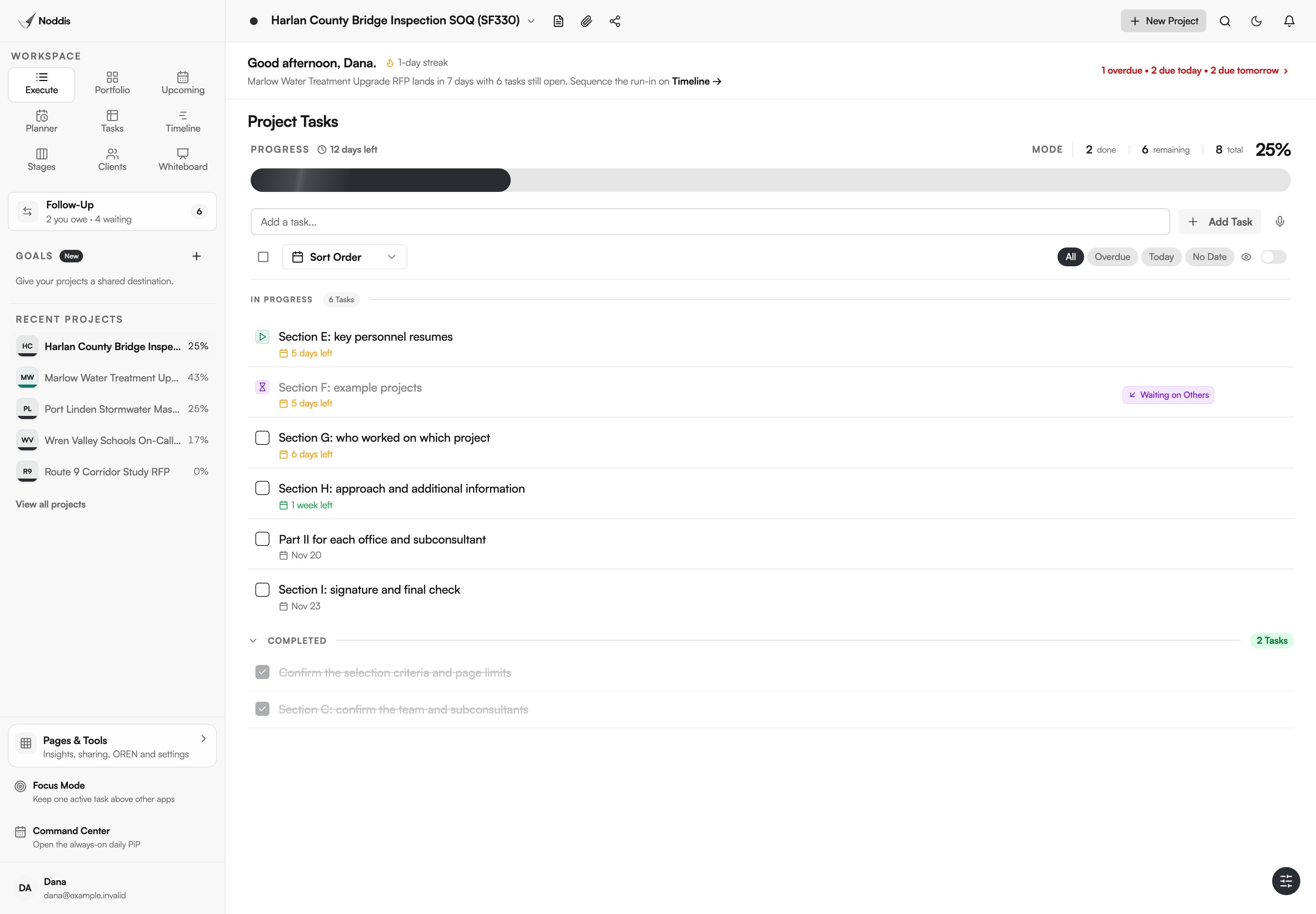
Noddis is a project management app that keeps tasks, follow-ups, and related project details connected. When we built Follow-Up in Noddis, we split it into two lists, Needs From You and Waiting on Others, and gave every open item an age in days.
Set the submission up as one project, with a task for each section in the table above and a subtask for each resume and project sheet. Every request you send becomes a Waiting on Others item with the owner's name, so the morning check is one list. Noddis does not fill in or format the form. The AEC proposal management workflow shows the setup with screenshots.
Your next step
Download the checklist, fill in an owner and a date for every section of your next submission, and draft Section G before you ask anyone for a resume. To track your own submission as tasks with owners, open the live demo.
Common questions
How many projects go in Section F of the SF330?
Up to ten, unless the solicitation says otherwise. The form allows one sheet per example project, and solicitations often set a lower limit or ask for projects of a certain type or age. Choose the projects that involve the same key people you are proposing, because Section G will show that overlap to the reviewers.
Do subconsultants need to fill out their own Part II?
Read the form's instructions together with the solicitation, because they state which firms and offices on the team need a Part II. Ask each subconsultant for theirs at kickoff, not in the final week. A subconsultant's Part II is the input a prime has the least control over.
How long does it take to prepare an SF330?
It depends on how current your resumes and project sheets are. A firm with approved, recent material can assemble a submission in days. A firm starting from scattered files needs the full response window. The fastest improvement is keeping one approved resume per key person and updating it after every project.

Katleen is the founder of Noddis. She runs client projects through her app studio, 693 Labs, and builds Noddis around the problems that work creates.
Last reviewed . Feature details reflect Noddis at the time of review.