
Short answer
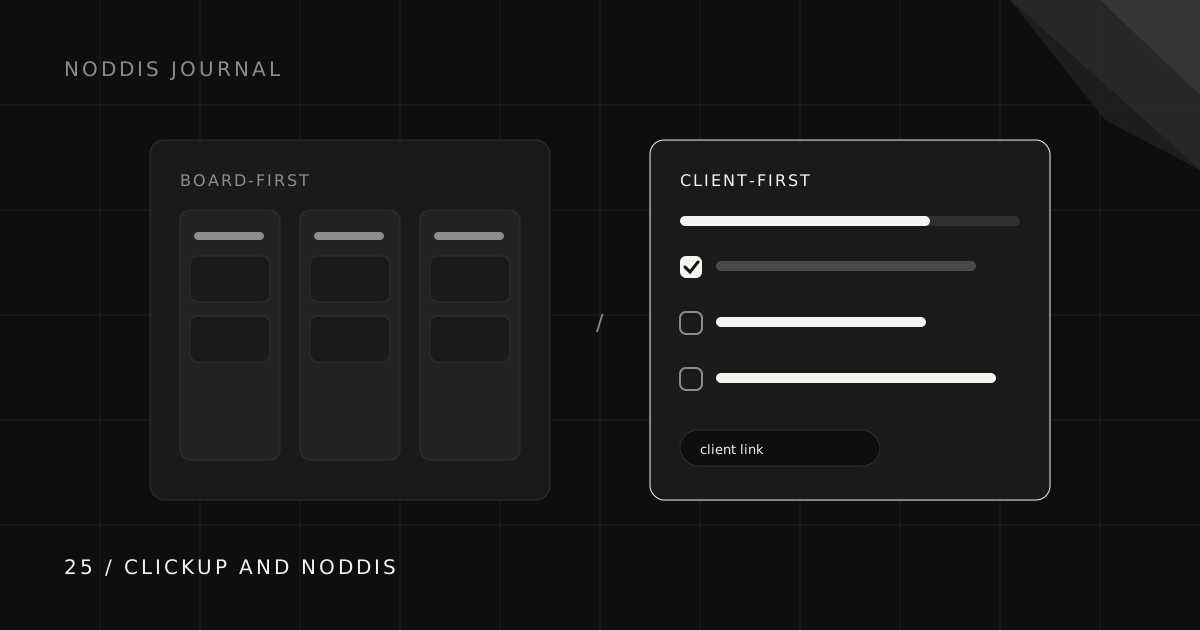
ClickUp brings tasks, docs, configurable views, and visual planning into a broad workspace. Noddis offers project views, configured client portals, capture, commitments, and scope tracking. Compare the setup and plan limits for your actual client workflow rather than choosing by feature count alone.
Why do people look for a ClickUp alternative?
We build Noddis. This is an editorial comparison of workflows, not an independent product ranking. Feature checks were made against the linked official documentation on October 25, 2026; plan limits and sharing controls can change.
People look for a ClickUp alternative for client work when they want a tool shaped around one kind of work rather than all of it. ClickUp’s range is a genuine strength for teams with varied needs. Someone whose days revolve around a handful of clients may simply want fewer decisions and a tool that already knows what a client is.
What does ClickUp do best?
ClickUp combines tasks, documents, configurable views, and Whiteboards. Supported public links provide view-only access without an account. Whiteboard usage, sharing, and AI entitlements depend on the plan; do not assume every capability is unlimited or included in Free.
Check the current clickup documentation and feature limits and setup before choosing a plan.
How is Noddis different from ClickUp?
| Need | ClickUp | Noddis |
|---|---|---|
| Visual planning | Whiteboards, subject to plan limits | Pro canvases with live project cards |
| Relationships | Task relationships and dependencies | Nodes shows stored and explicit connections |
| Capture | Email and available AI tools | Text/email/Slack Capture; separate Voice Notes |
| Sharing | Supported public links | Configured Pro project portal |
| Across projects | Configurable views and dashboards | Portfolio; Goals for combined progress |
What does a focused tool change day to day?
A focused tool changes the number of decisions you make before work begins. In a broad workspace you design the structure: spaces, lists, statuses, and views. In a focused one, the structure is already shaped around clients, so the first useful view appears as soon as you add a project.
That is a trade, not an upgrade. Designing your own structure gives you control that a focused tool cannot match, which is exactly why broad tools are so popular with teams.
How much setup does each tool need for client work?
Try each tool on one engagement. In ClickUp, choose how its spaces, folders, lists, and views fit your work. In Noddis, create a project, optionally link a client, and add its tasks. Both require decisions about access and the information you share.
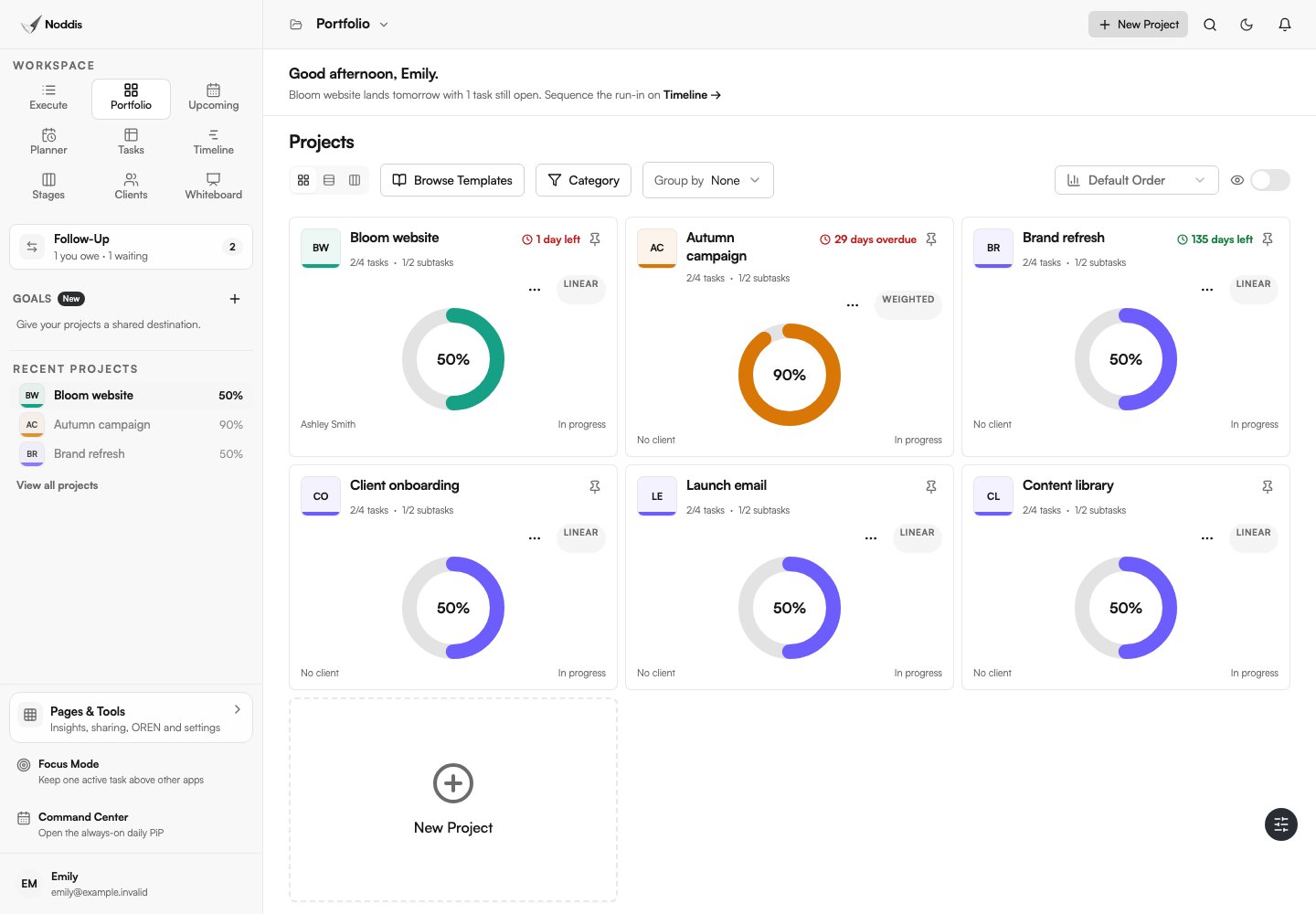
A Noddis project appears in your Portfolio. Portals must be enabled and configured, Follow-Up commitments must be recorded, and Drift needs a baseline. Creating the project does not automatically set up those workflows.
How do ClickUp Brain and Noddis OREN compare?
Compare assistants using a real, non-sensitive question and check their answers against the source records. AI access and usage limits depend on the product and plan. A persuasive answer is not evidence of accuracy.
OREN uses available Noddis project context to answer questions and propose next steps. The name stands for Observational Reasoning and Evidence-based Navigation. Ask a specific question, inspect the supporting work, and review any proposed action before applying it: an AI answer is not a guarantee that the project data is complete.
The full OREN workspace is a Pro feature. Free users can ask questions in Nodes for their selected Connected Intelligence project.
Noddis uses Capture Inbox for incoming text, email, and Slack work, and Voice Notes for brain dumps and meetings. Standard Capture requests are reviewed before applying. Successful brain dumps can save routed tasks automatically; Meeting Notes stores proposed actions in the note. Review the result of each flow.
When is ClickUp the better choice?
ClickUp is the better choice when you want one tool for a whole team’s varied work. Choose ClickUp if:
- Your team mixes client work, internal projects, docs, and planning.
- You want to design your own statuses, views, and automations.
- You want many members on a free plan.
- You value having everything in a single workspace.
When is Noddis the better choice?
Noddis is the better choice when client projects are the center of your work and you want a tool already shaped around them. It suits people who juggle several clients, want each client to have a clear progress link, and want to review project progress and scope additions. The multi-client guide and drift guide show the habits it supports, and the buyer’s guide compares other options.
How do you test Noddis alongside ClickUp?
Test Noddis alongside ClickUp by moving one live client project for two weeks and leaving everything else exactly where it is. A fair trial needs a real client, real deadlines, and real messages, because a sample project never shows where a tool helps or gets in the way.
- Pick one active client with a deliverable due in the next two weeks.
- Add only current work: open tasks, owners, and dates that represent real commitments.
- Route that client’s messages through Capture Inbox instead of copying them by hand.
- Send the client their portal link with one sentence on what it is for.
- Review at the end of week two: did you answer fewer status questions, and did anything slip?
If the trial project ran more smoothly, move the next client. If ClickUp still suits you better, you have learned that cheaply, and ClickUp remains a fine home for your work. The client onboarding checklist is a useful template for setting up that first project.
What should you check before using this workflow?
In Noddis, client portals and Whiteboard require Pro. Email and Slack Capture also require Pro; Voice Notes is a separate workflow. Choose the tasks and sections to share, configure access, and preview the portal before sending its link. An unrestricted link can be forwarded. See current pricing for other limits.
Common questions
Is Noddis better than ClickUp?
Neither is better overall. ClickUp is broader and suits teams that want one tool for everything. Noddis is focused on client projects, so it is the better fit only when running several clients at once is your main work.
What is a simpler alternative to ClickUp for client work?
For client work, compare tools on the setup needed for a project overview, a client-facing view, and follow-up tracking. Noddis includes those workflows, but its portal, capture, and scope features still need deliberate configuration.
Can clients view ClickUp work without an account?
ClickUp supports public links for supported locations and items. What can be shared depends on the item, plan, and workspace controls. Check the current public-sharing and Whiteboard documentation before choosing that workflow.
Does Noddis have whiteboards like ClickUp?
Noddis Pro includes Whiteboard for notes, images, embedded media, arrows, tables, and live project cards. A canvas can be standalone or connected to a project. The feature set and sharing controls differ from ClickUp.

Katleen is the founder of Noddis. She runs client projects through her app studio, 693 Labs, and builds Noddis around the problems that work creates.
Last reviewed . Feature details reflect Noddis at the time of review.