
Short answer
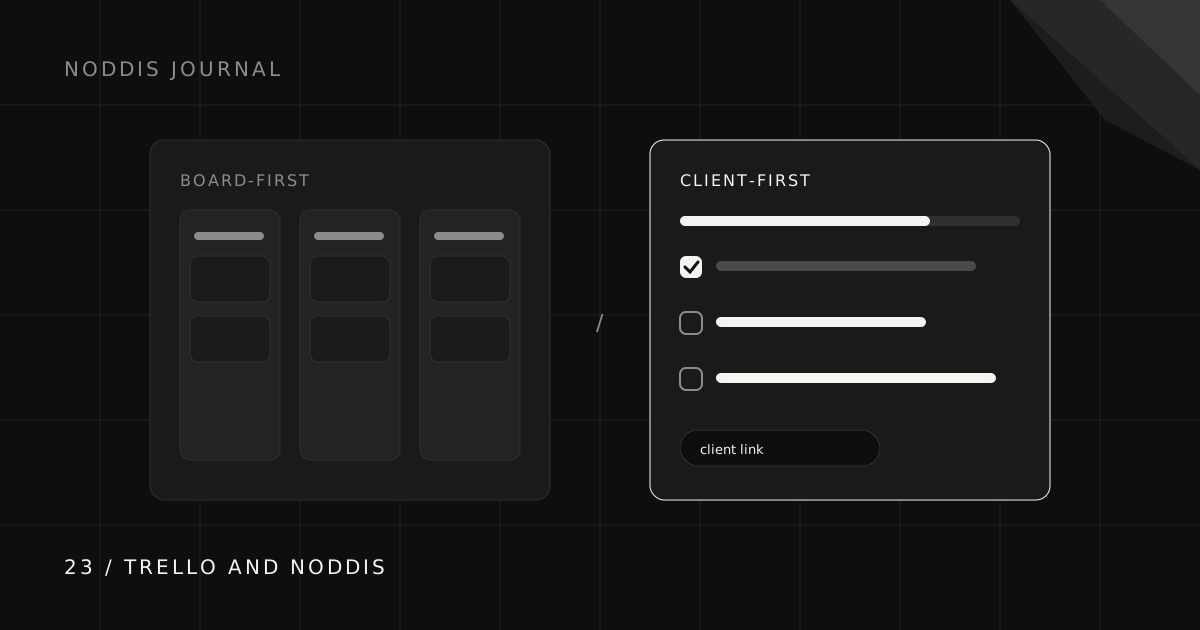
Trello offers flexible visual boards. Noddis adds a project-focused workflow with Portfolio views, configured Pro client portals, recorded follow-ups, and scope-baseline tracking. Compare both on one engagement: how requests arrive, who sees the work, and how much setup you need. Neither is best for every team.
Why do people look for a Trello alternative for client work?
We build Noddis. This is an editorial comparison of workflows, not an independent product ranking. Feature checks were made against the linked official documentation on October 25, 2026; plan limits and sharing controls can change.
People look for a Trello alternative for client work when the number of clients grows and the question they ask most changes from “what is on this board?” to “what needs me across every client today?” Trello answers the first question beautifully. The second question is about comparing many projects at once, which is a different job.
It is usually not a sign that anything went wrong. It is a sign that the work changed shape.
What does Trello do best?
Trello’s cards and lists provide a flexible visual model. Email can create cards, and Trello Inbox can extract task details with AI. Public boards can be viewed without an account; collaborators have separate membership and billing rules.
Check the current trello documentation and feature limits and setup before choosing a plan.
How is Noddis different from Trello?
| Need | Trello | Noddis |
|---|---|---|
| Daily work | Cards and lists | Selected project tasks in Execute |
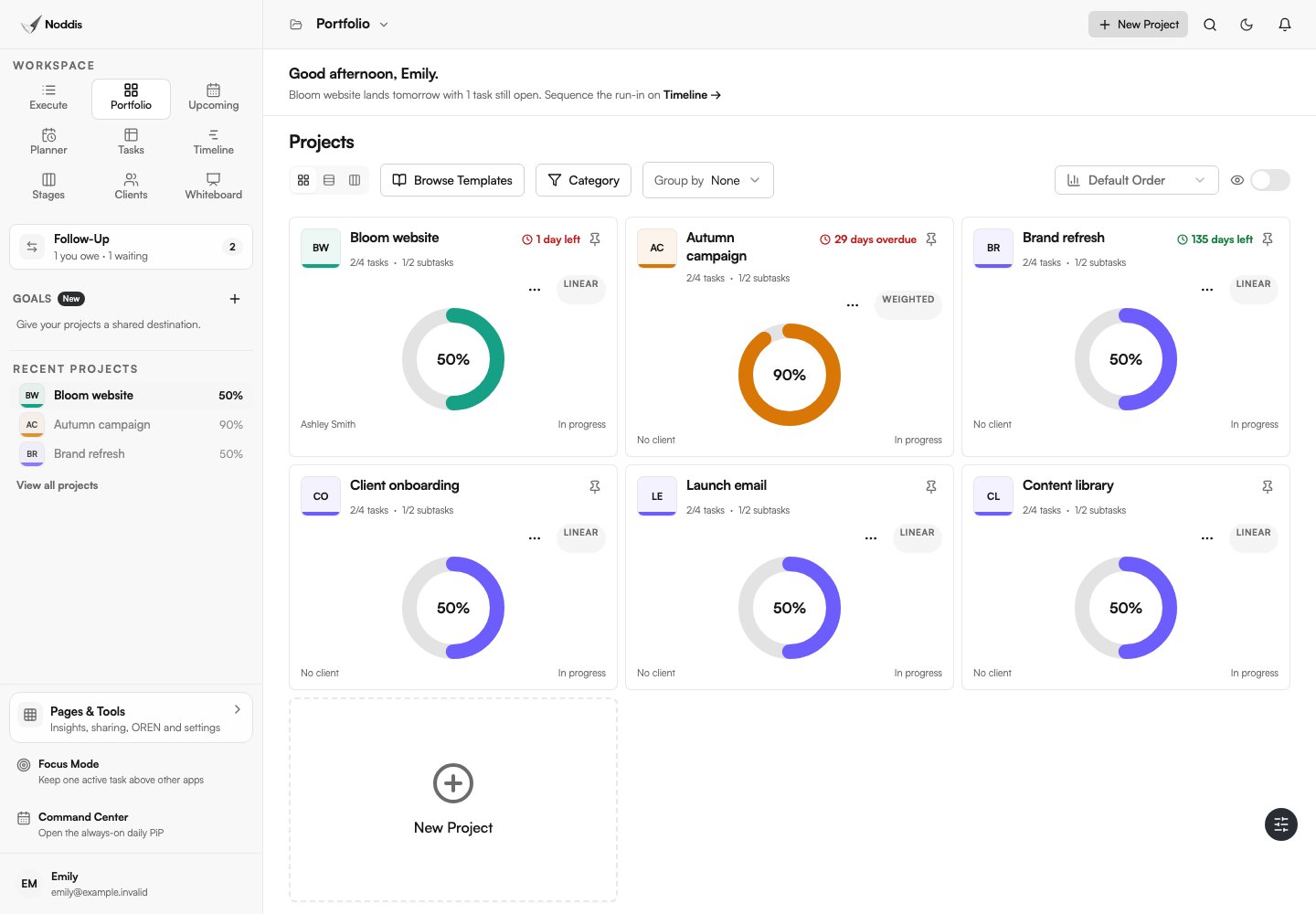
| Across projects | Workspace views, subject to plan | Portfolio grid, list, and Board |
| Messages | Email-to-card and Inbox capture | Text/email/Slack Capture; separate Voice Notes |
| Client view | Public board or member access | Selected content in an enabled Pro portal |
| Scope review | A workflow you configure | Drift baseline and additions |
| Connections | Cards and linked work | Nodes displays stored relationships |
How do clients see progress in each?
Clients can see progress in both, through a link that opens without an account, but the two links show different things. A public Trello board shows the board itself, which works well when your board is tidy and client-friendly.
A Noddis Client Portal is a view designed for the client and generated from the same project data: progress, milestones, and what is waiting on them, without your working notes. That matters when your internal board is busy, as most real boards are. The client portal guide explains the approach.
What should you look for in a Trello alternative for client work?
Look for a Trello alternative that answers the questions your clients and your calendar actually ask, rather than one that simply has more features. Four questions are worth testing on a real week of work:
- Can you see every client at once? A single view of all client projects is what lets you plan a day instead of reacting to it.
- Can a client see progress without seeing your working board? Some boards are client-friendly; most busy ones are not.
- How do client messages become tasks? Count the steps from an email to a dated task in the right project.
- Will the tool tell you when a client project goes quiet? The project you forget is the one that hurts.
If Trello already answers these well for your work, keep it. If one or two keep tripping you up, that is the gap to solve.
How do Trello and Noddis handle client requests and follow-ups?
Both tools can reduce manual re-entry. Trello supports email-to-card and Inbox AI extraction; Noddis Capture Inbox receives supported text, email, and Slack input. Review the project, action, and due date in either workflow.
In Noddis, create a Follow-Up commitment deliberately when someone owes a next move. A captured task is not automatically a client commitment or a portal item.
Check the current trello documentation and feature limits and setup before choosing a plan.
When is Trello the better choice?
Trello is the better choice when your work fits naturally on a few boards and simplicity is the priority. Choose Trello if:
- You run a small number of projects with a clear, repeating flow.
- Your collaborators already know and like Trello.
- You want a general-purpose board for personal and work projects alike.
- You are happy to share your board directly with clients.
There is no reason to switch tools that are working.
When is Noddis the better choice?
Noddis is the better choice when you run several client projects at once and the hard part is keeping all of them moving, not organizing any single one. Consider it if you regularly lose track of follow-ups, if clients often ask where things stand, or if you want to compare project progress and recorded commitments in one place. The multi-client guide describes that situation in detail.
How do you try Noddis without leaving Trello?
Try Noddis by running one live client project in it for two weeks while everything else stays in Trello. Capture that client’s requests through Capture Inbox, send them the portal link, and see whether the cross-client view and drift signals earn their place. If they do, move the next project. If not, you have lost nothing. For other options, see the buyer’s guide to client work tools.
What should you check before using this workflow?
In Noddis, client portals and Whiteboard require Pro. Email and Slack Capture also require Pro; Voice Notes is a separate workflow. Choose the tasks and sections to share, configure access, and preview the portal before sending its link. An unrestricted link can be forwarded. See current pricing for other limits.
Common questions
Is Noddis better than Trello?
Neither is better overall. Trello is a flexible board for almost any workflow. Noddis is built specifically for running several client projects at once, so it is the better fit only when that describes your work.
What is a good Trello alternative for freelancers?
If you run several client projects at once and want a cross-client view and a client-facing progress link, Noddis is designed for that. If you want a broader all-in-one tool, ClickUp or Notion are strong options.
Can clients view a Trello board without an account?
Yes. A Trello board set to Public can be viewed by anyone with the link. Commenting or voting requires a Trello account.
Can I use Trello and Noddis together?
Yes. You can keep using Trello for personal or simple boards and run client projects in Noddis. Start with one client project and expand from there.

Katleen is the founder of Noddis. She runs client projects through her app studio, 693 Labs, and builds Noddis around the problems that work creates.
Last reviewed . Feature details reflect Noddis at the time of review.