
Short answer
A client project tracker is a record of each engagement's status, next milestone, deadline, owner, and open dependencies. A useful tracker helps you decide what needs attention without reconstructing the project from messages. Start with one row per project and keep detailed tasks inside the project itself.
What fields belong in a client project tracker?
Track only fields that support a real decision. These sample values are illustrative, not a customer case study.
| Field | Example | Decision it supports |
|---|---|---|
| Client / project | Acme / website refresh | Which engagement? |
| Next milestone | Homepage approval | What outcome is next? |
| Target date | November 12 | When is it due? |
| Status | Waiting on client | Can work continue? |
| Next action | Request approval | What should happen? |
| Owner | Marketing lead | Who moves next? |
| Follow-up date | November 5 | When do we check? |
| Change request | Extra landing page | Is scope changing? |
Avoid adding every note, file, and subtask to this overview. Link to the underlying project instead.
Should you track by client or by project?
Track one row per active project. One client may have a website redesign awaiting approval and a monthly retainer moving normally. Combining them into one client status hides the difference. Group projects by client for reporting, but preserve separate project records.
How should project statuses work?
Define each status with an observable condition:
- Not started: agreed work has not begun.
- In progress: someone can advance the deliverable.
- Waiting: the next response belongs to someone else.
- Blocked: a dependency prevents planned work.
- Complete: agreed work is finished, with approval tracked separately where required.
For every Waiting or Blocked item, name the person or dependency and the next action. A color alone is not enough.
Why separate the due date from the follow-up date?
The delivery deadline and the date you plan to chase feedback answer different questions. If a client promises feedback Monday, that does not automatically change Friday's delivery deadline. Record both dates and discuss schedule changes explicitly when a dependency slips.
How do you keep the tracker current without constant updates?
Update the record when a meaningful event occurs: a milestone finishes, an owner changes, a decision arrives, or a new blocker appears. Review exceptions, not every field, during your regular planning check. Close or archive finished engagements so active work stays visible.
How can Noddis support this structure?
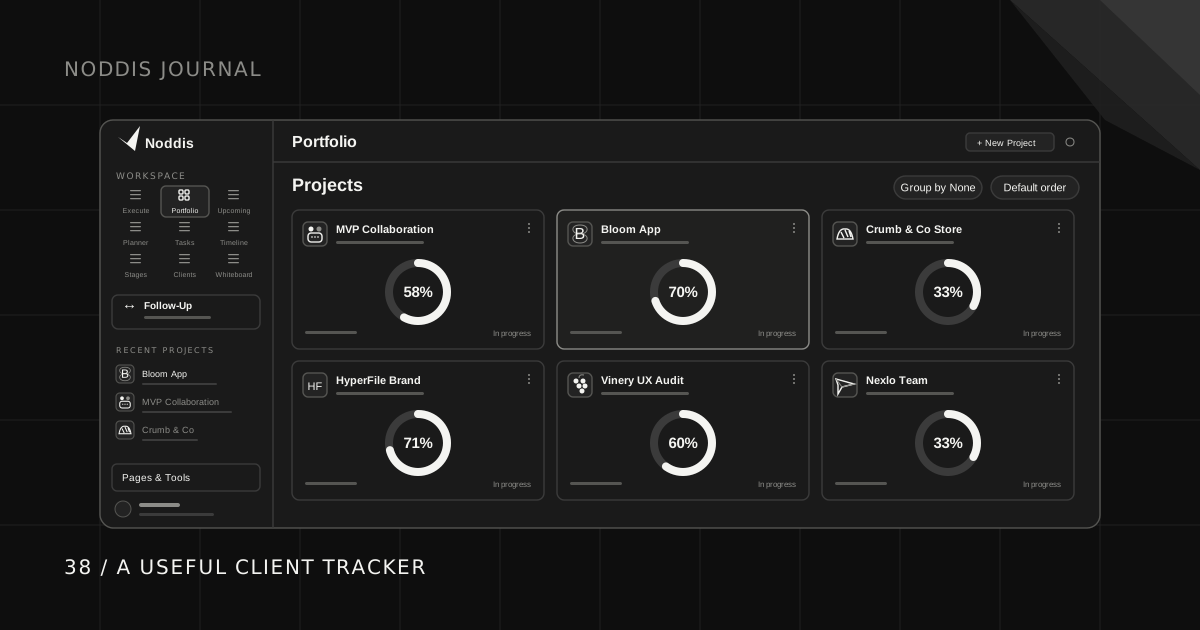
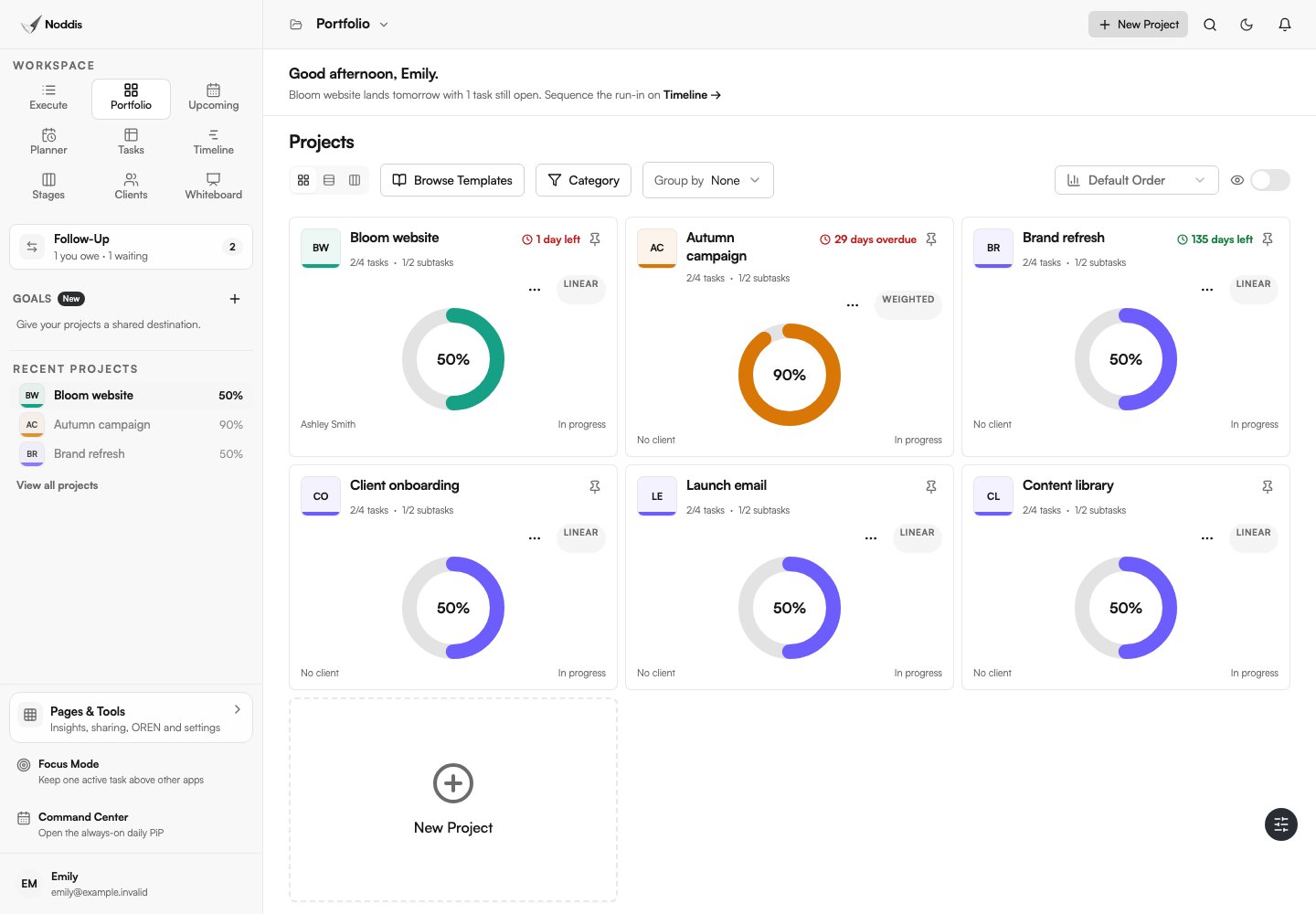
Noddis Portfolio compares projects in Cards, Snapshot, and Board views, while Execute holds the selected project's task-level work. Follow-Up separates what you owe from what you are waiting to receive. Record a task-linked commitment and its date when the next move belongs to someone else. The workspace guide explains where each view fits.
The fields and example statuses above are a planning template, not a set of custom fields automatically created by Noddis. Keep decisions and milestone context in the relevant project or task notes. Test the workflow in the Noddis live demo; the same field structure can also work in a spreadsheet.
Worked example: three clients, one decision
A designer is handling a website refresh, a pitch deck, and a monthly retainer. The website is waiting on homepage approval. The pitch deck is due November 7. The retainer has six small tasks, none urgent. Counting open tasks makes the retainer look busiest, but it is not the highest-priority work.
The tracker should show the website as waiting on client, with an approver and follow-up date; the deck as in progress, with its deadline; and the retainer as on track, with its next milestone. The designer can then send the approval reminder, protect time for the deck, and batch retainer tasks later.
Copyable client tracker example
| Project | Next milestone | Due | Status | Next action | Owner | Follow-up |
|---|---|---|---|---|---|---|
| Website refresh | Homepage approval | Nov 12 | Waiting on client | Request decision | Client contact | Nov 5 |
| Pitch deck | Final review | Nov 7 | In progress | Finish revisions | Designer | None |
| Content retainer | November batch | Nov 18 | On track | Draft two posts | Writer | None |
Illustrative example, not actual customer data. Detailed files and tasks belong inside each project, not duplicated in this overview.
Five mistakes to avoid
- Using progress as a substitute for status. A project can be nearly complete and still blocked.
- Confusing delivery ownership with next-action ownership. You may own the project while the client owes the next decision.
- Tracking deadlines but not reminders. A deadline tells you when work is due; a follow-up date tells you when to act.
- Copying every task into the overview. A useful summary points to detail instead of duplicating it.
- Only updating before meetings. Record changes when decisions happen so the tracker remains trustworthy.
How to know if the tracker works
At the end of the week, see whether you can identify every active project's next action without searching email. Check for missed commitments and surprise deadlines. If maintaining the tracker requires a second administrative session, remove fields before adding more automation.
Common questions
Can I use a spreadsheet as a client project tracker?
Yes. Start with one row per project and a small set of fields. Consider dedicated software when keeping tasks, deadlines, and follow-ups synchronized requires repeated manual updates.
Is project progress the same as approval?
No. Progress describes work completed under a chosen measurement. Approval is a decision by a reviewer and should be tracked separately when it affects delivery.
How often should I update a project tracker?
Update it when project state changes. A quick exception review is useful, but rewriting status text every day is not a requirement for a good tracker.

Katleen is the founder of Noddis. She runs client projects through her app studio, 693 Labs, and builds Noddis around the problems that work creates.
Last reviewed . Feature details reflect Noddis at the time of review.