
Short answer
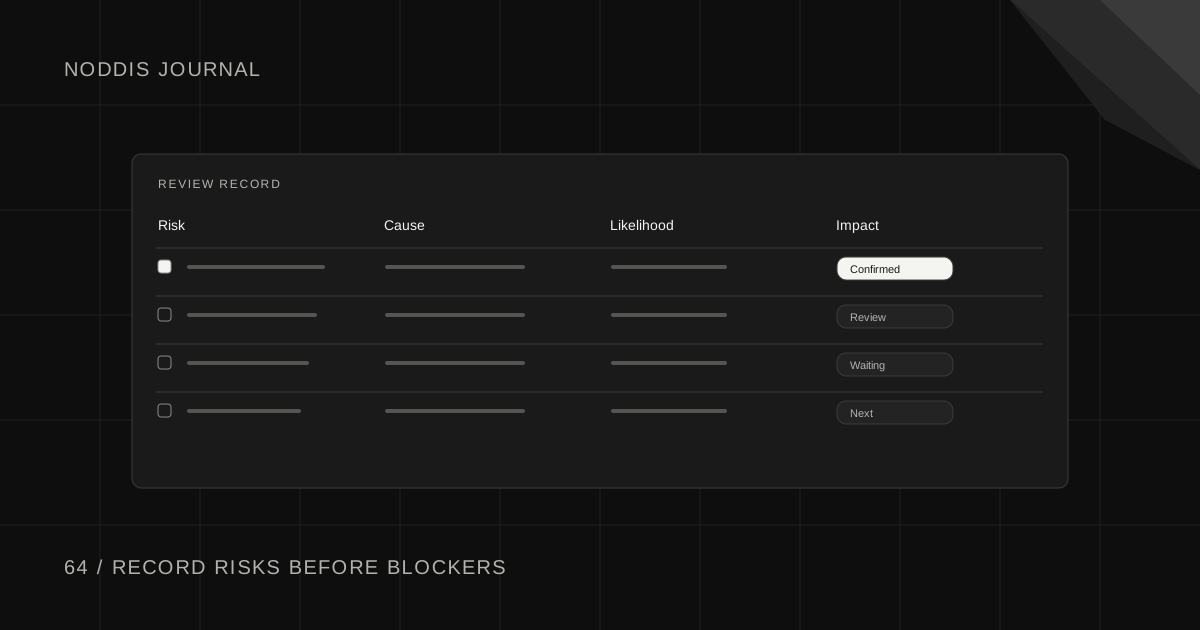
A project risk register for a small client team lists events that could affect delivery before those events happen. Each entry describes a possible problem, its likelihood and impact, an early warning sign, a planned response, and an owner. Keep it short enough that someone will review it while there is still time to act.
Free resource
Download the blank project risk register spreadsheet. No account is required. Save a copy before adding your project details.
What belongs in a small-project risk register?
Record only risks that someone can monitor or act on. A page of generic statements such as “Something might be late” adds little value. A useful entry identifies a specific event that could happen, what would be affected, and which sign would prompt action.
For a fictional Juniper website project, “The client might not provide approved photography before final design” is a meaningful risk. The team can ask for a date, arrange an approved fallback, and decide when the issue needs escalation. A general fear of delays is not actionable.
Copyable project risk register template
| Risk | Likelihood | Impact | Trigger | Response | Owner |
|---|---|---|---|---|---|
| Approved photos arrive late | Medium | High | No usable files by Nov 3 | Request alternatives or replan review | Account lead |
| CMS credentials unavailable | Medium | High | Access test fails Nov 2 | Ask admin for role invite | Developer |
| Extra stakeholders reopen design | Medium | Medium | New approver joins after v2 | Confirm final decision-maker | Project lead |
| Launch content contains unverified claim | Low | High | Approval not received by QA | Hold affected section | Client editor |
Fictional example. Ratings are illustrative and should reflect the team's current evidence.
A risk can have a low likelihood and still need attention if the effect would be serious. Avoid relying on a numerical score alone to decide whether to act.
How do you rate likelihood and impact without fake precision?
Use a small qualitative scale with shared definitions. For example:
- Likelihood low: Unlikely under current conditions, with no active warning sign.
- Likelihood medium: Plausible; a relevant dependency is uncertain.
- Likelihood high: Strong warning signs or repeated issues are already present.
- Impact low: Small adjustment possible within agreed work.
- Impact medium: Noticeable rework or a minor milestone adjustment.
- Impact high: Major deliverable, launch, cost, or contractual commitment could be affected.
These are working definitions, not statistically calibrated probabilities. Update them when new information arrives. A 3-by-3 matrix can help teams compare risks, but the written trigger and response are more useful than multiplying two invented numbers.
What responses are available?
For each risk, choose whether to reduce its likelihood, reduce its impact, prepare a fallback, or explicitly accept it. A risk without a response may be worth removing from the active register unless it genuinely belongs on a watchlist.
If photos may arrive late, an early asset request reduces likelihood. If a licensed placeholder is already approved, it may reduce impact. If neither option is available, the honest response may be to move the affected milestone if the trigger is reached.
The Project Management Institute discusses scope and project control in terms of explicit boundaries, impact assessment, and planned decisions. A small risk register follows a related discipline: make the potential consequence visible before it becomes a surprise.
When does a risk become a blocker?
A risk becomes an issue or blocker when the event actually occurs and prevents planned work. For example, “CMS access might be delayed” is a risk during planning. “The developer cannot configure the form because the admin invitation was not granted” is a current blocker.
When that happens, create or update the operational task with the needed action and owner. Keep the risk record for context, but do not pretend the issue can be resolved by changing its likelihood to high. The new state requires action now.
How do you keep the register from becoming admin work?
Review it at kickoff, before major milestones, and when a material dependency changes. Close obsolete risks and focus discussion on the few that could alter delivery. Give every active risk an owner who can notice its trigger.
The client project tracker guide covers the current project view; the risk register looks forward at what might disrupt it. Those are different records with different jobs.
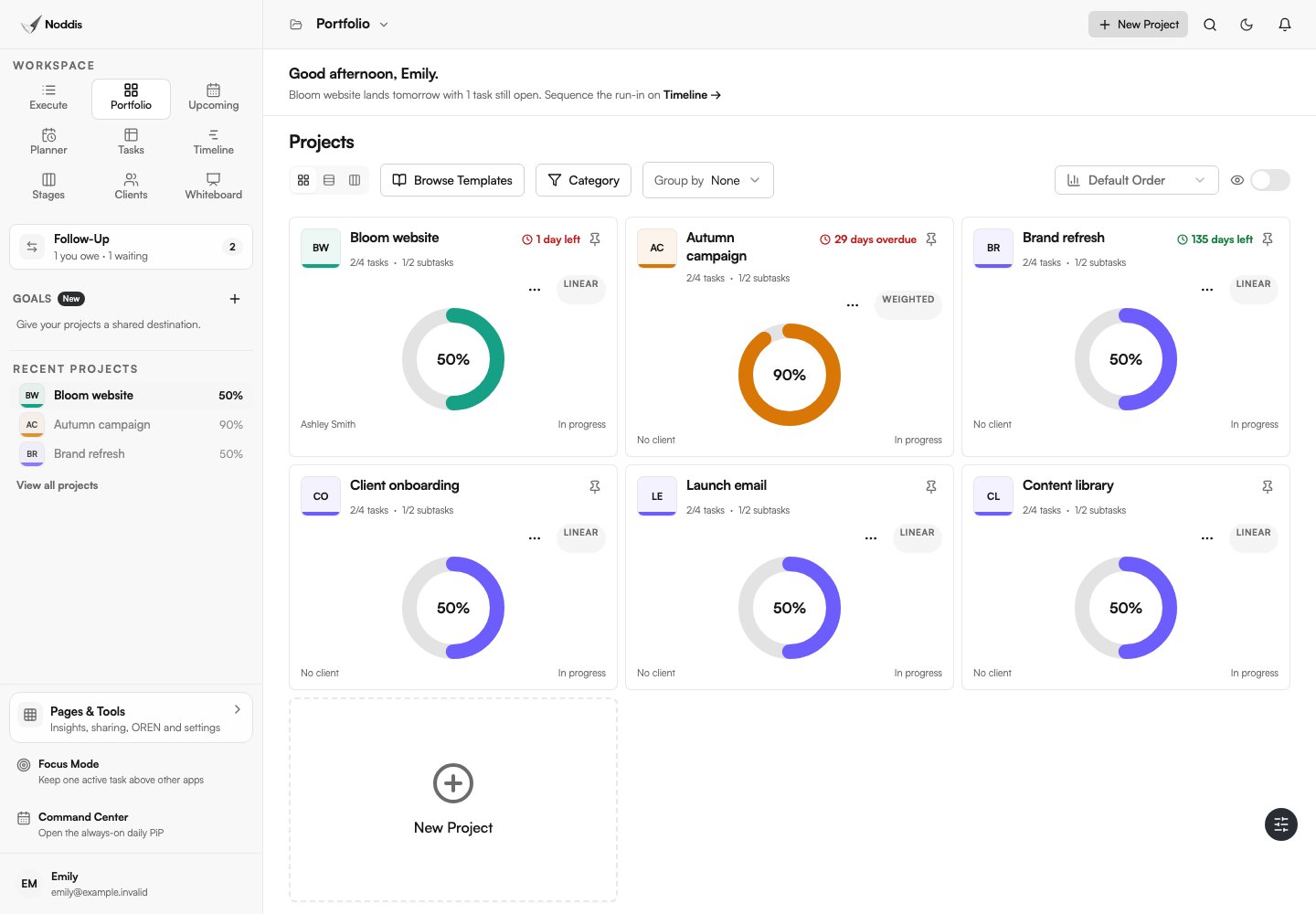
Noddis is a project management app connecting tasks, notes, follow-ups, and portfolio visibility. Keep the risk register or its key decisions linked to the project, create tasks for preventive actions, and record any required client response in Follow-Up. The risk score is a judgment you record; Noddis does not compute it automatically. Explore the live demo.
Your next step
Write down the three events most likely to surprise your next client milestone. Add a trigger and owner to each, then review them before the trigger dates.
Common questions
Should every client project have a risk register?
Not necessarily a separate formal document. For a simple assignment, a few explicit risks in the project notes may be enough. Larger or deadline-sensitive projects benefit from a maintained register that identifies triggers and owners.
Is a risk register the same as a scope change log?
No. A risk register records possible future disruptions. A scope change log records proposed and approved changes to agreed work. One change may introduce new risks, so the records should reference each other when relevant.
Who should own project risks?
Assign each risk to the person best positioned to monitor and act on it. The project lead remains responsible for coordinating material responses, but a specialist or client contact may control a specific trigger.

Katleen is the founder of Noddis. She runs client projects through her app studio, 693 Labs, and builds Noddis around the problems that work creates.
Last reviewed . Feature details reflect Noddis at the time of review.