
Short answer
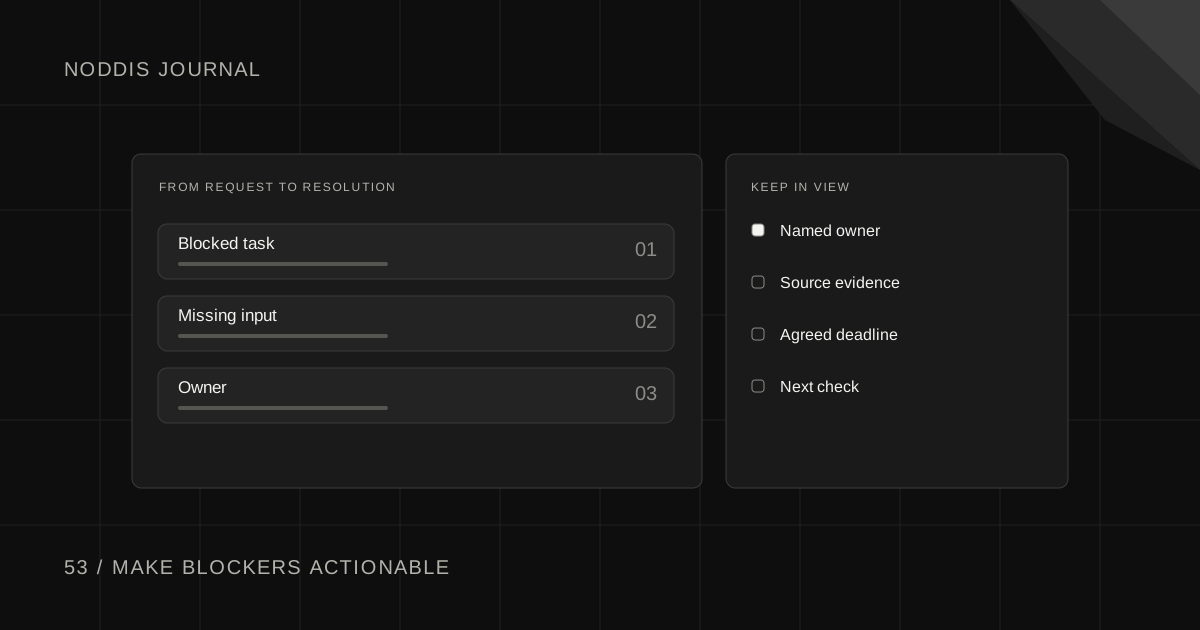
Track blocked project tasks by recording the specific dependency preventing progress, who controls it, the next action, and the date to revisit it. A blocked label alone does not solve anything. The aim is to make the blocker visible early and move it toward a decision instead of allowing the task to sit untouched.
Free resource
Download the blank blocker register spreadsheet. No account is required. Save a copy before adding your project details.
What counts as a blocked task?
A task is blocked when a missing prerequisite prevents the next planned step. That prerequisite might be an approval, missing content, a design decision, account access, or unfinished upstream work. A task that is merely low priority or not yet started should not be marked blocked.
Imagine a fictional Juniper homepage build. The developer cannot finish the hero because the client has not approved the product photography. “Blocked by client” is too vague. “Cannot finalize hero until marketing lead approves one of two licensed image options” tells the project owner what decision is needed.
The Atlassian guide to project dependencies describes how tasks rely on other outputs and why identifying those relationships helps project planning. In small client work, you can apply that idea without a complicated dependency graph.
Copyable blocker register
The register below separates the work item from the event that can unblock it. Use one active row per material blocker.
| Task | Blocking dependency | Needed from | Next action | Review date | Delivery effect |
|---|---|---|---|---|---|
| Finalize homepage hero | Approve photography | Marketing lead | Send two-image decision request | Nov 3 | Design review at risk |
| Configure form | CMS access | Website admin | Confirm role invitation | Nov 2 | QA cannot start |
| Publish article | Legal claim review | Client reviewer | Ask for approved wording | Nov 4 | Release can proceed without article |
Fictional example. The last row shows why impact matters. A task can be blocked without blocking the entire launch if work can be resequenced safely.
How do you unblock a task in four decisions?
Start with a short triage process. Ask what exactly is missing, who can provide it, whether a safe workaround exists, and what happens if it does not arrive by the decision date.
- Specify the dependency. Replace “waiting on client” with the exact answer, file, or approval required.
- Assign the unblock owner. The task owner may not be the person who owes the missing input.
- Choose a next action. Send an approval request, test access, split the task, or select an authorized workaround.
- Escalate based on impact. If the missing input now threatens a milestone, communicate the consequence and propose a schedule choice.
Do not repeatedly move the task's due date without explaining why. The date change is a result of the blocker, not a fix for it.
When can you work around a blocker?
A workaround is acceptable when it is authorized, reversible where necessary, and does not compromise quality or the agreement. For example, you might continue building another approved page while an image decision is pending. You should not invent approved copy or use unlicensed photography simply to make the progress bar move.
If the blocker affects a critical dependency, identify the dependent tasks and decision date. Keep the client informed before the delay becomes a missed commitment. The client project tracker shows how blockers can appear alongside deadlines in a portfolio overview.
What should you say when escalating a blocker?
A useful escalation provides a choice, not a vague warning:
We are ready to finish [deliverable], but we need [specific decision] before [dependent work] can begin. If we receive it by [date], we can assess the original milestone. Otherwise, we can either move [milestone] or continue with [safe approved alternative]. Which would you prefer?
The decision-maker can now weigh the options. If there is no safe alternative, say so rather than pretending one exists.
How should blocked tasks appear in Noddis?
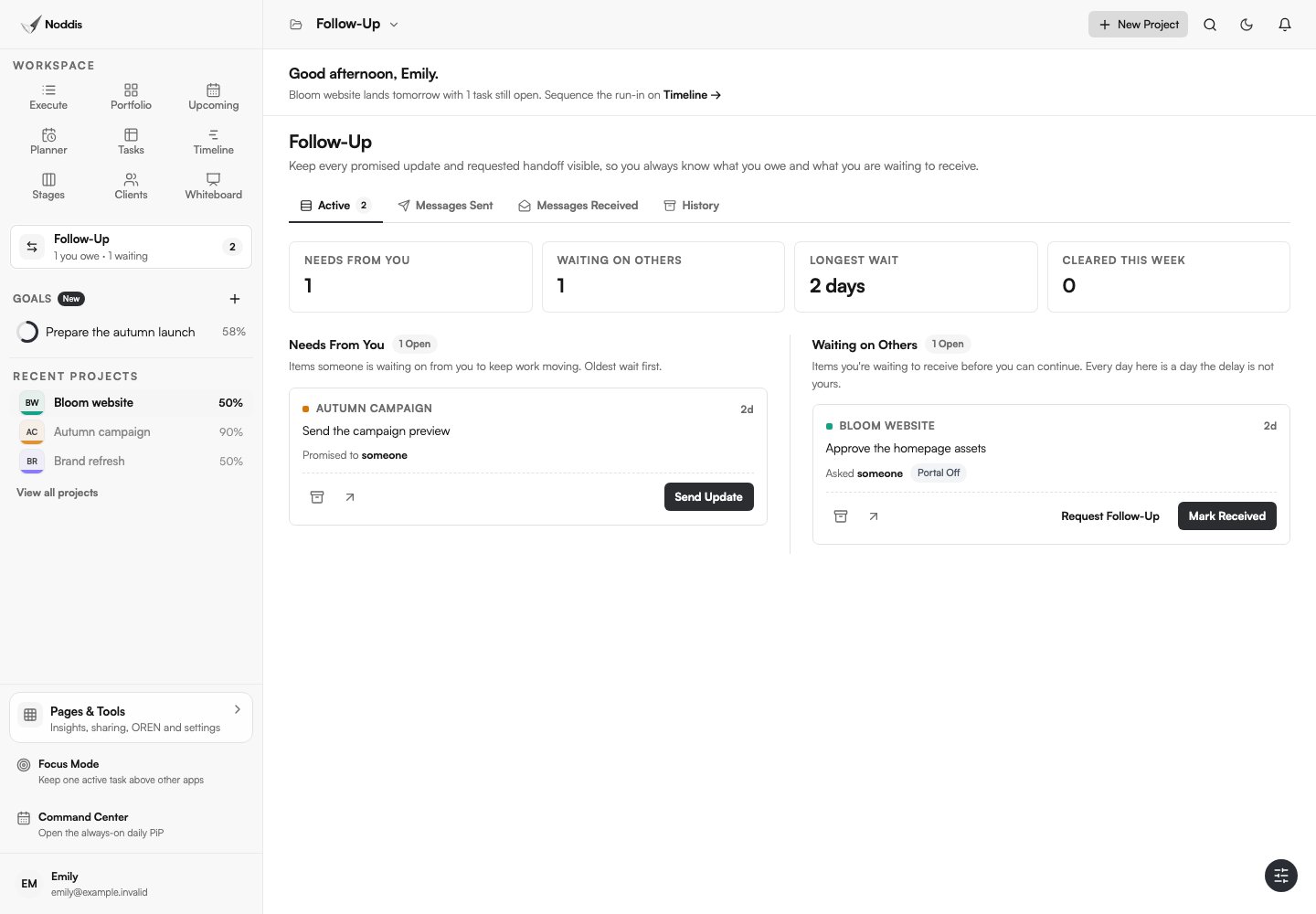
Noddis is a project management app with connected project tasks, a Portfolio overview, and Follow-Up commitments. Use the task to describe the blocked work and record a linked Follow-Up when a specific response is owed by a client or collaborator. Ordinary tasks do not automatically become Follow-Ups. See the follow-up system guide and try the demo.
Your next step
Open your current blocked items and rewrite each one as “Cannot do X until Y; Z owns the next action by date.” If that sentence is impossible to complete, the blocker needs clarification.
Common questions
Is “waiting on client” the same as blocked?
Not always. A task can be waiting on a response while other work continues normally. Call it blocked when the missing response prevents the planned next step or materially threatens delivery. Record both the state and the underlying dependency.
Should blocked tasks count as complete progress?
No. A waiting or blocked state is not evidence that a deliverable is finished. Record actual completed work and preserve the separate unresolved dependency.
How often should blockers be reviewed?
Review critical blockers when delivery decisions are made, and review the broader queue during your regular project sweep. Do not wait for a status meeting when the blocker already threatens the next milestone.

Katleen is the founder of Noddis. She runs client projects through her app studio, 693 Labs, and builds Noddis around the problems that work creates.
Last reviewed . Feature details reflect Noddis at the time of review.