
Short answer
When a project tool feels like extra work, check ten possible causes: setup effort, unnecessary features, portal friction, duplicate updates, collaborator costs, notifications, scattered requests, unclear priorities, stale data, and maintenance overhead. This is a practical checklist, not a ranked survey. Test the tool on one real project before moving everything.
Where do these complaints come from?
This is an editorial checklist of ten problems to look for when trying a project tool. It is not a survey or a measured ranking of complaints. Use it to assess your own workflow rather than assuming every team has the same experience.
Tool names are left out because the same design choice can help one team and burden another. The useful question is what the tool asks you to maintain during an ordinary busy week.
What are the 10 common complaints about project management tools?
The ten most common complaints, roughly in order of how often they appear, are:
- “Setup took weeks, then nobody used it.” The system was designed before anyone worked in it.
- “Maintaining the tool became the job.” Updating cards, statuses, and fields started to rival the real work.
- “It has a hundred features and I need five.” Power that fits a large team feels heavy for one person with clients.
- “My clients will not log in.” Portals and guest invites go unused, and clients fall back to email.
- “I update the project, then type the same thing to the client.” Double entry means updates get skipped.
- “I pay seats for people who barely use it.” Occasional collaborators and clients add up.
- “Notifications for everything, so I read none.” Important pings drown in routine ones.
- “Work lives in five places.” Email, texts, chat, docs, and the tool each hold part of the truth.
- “I keep switching apps looking for the perfect one.” A new tool every month, abandoned after a week.
- “It slows down as I add more.” Large workspaces and databases feel sluggish over time.
What fixes each of these complaints?
Each complaint has a practical fix, and most of them are habits before they are software choices:
| Complaint | What actually fixes it |
|---|---|
| Long setup, no adoption | Start with one live project and only the fields you need this week |
| Maintenance became the job | Choose views that update from the work itself instead of separate reports |
| Too many features | Pick a tool built for your kind of work, and ignore everything else |
| Clients will not log in | Share a read-only link that opens without an account |
| Double entry for client updates | Make the client view come from the same data you work in |
| Paying for occasional seats | Give clients view access instead of full seats |
| Notification overload | Turn off everything, then re-enable only what needs you |
| Work in five places | Route every request into one inbox and turn it into tasks there |
| Endless app switching | Commit to one tool for a month, judged on one real project |
| Slows down at scale | Archive finished projects and keep active work small |
Why do people keep abandoning productivity apps?
People abandon productivity apps when the effort of maintaining the system becomes greater than the relief it provides. The first week feels great because everything is fresh and organized. By week three, the backlog of unprocessed items and stale cards makes opening the app feel like admitting defeat, so it quietly stops being opened.
The way out is a system that does more of the maintenance for you, plus a weekly review that takes fifteen minutes rather than an afternoon. We call the accumulated overhead coordination debt, and paying it down is the real goal of any tool.
How do you choose a tool you will still use in three months?
Choose a tool by testing it against your messiest real week, not against a demo. Ask four questions during a two-week trial on one live project:
- Did I keep using it on the busiest day, or did I fall back to my inbox?
- Could a client see progress without me writing anything extra?
- Did requests from email and texts make it into the tool easily?
- Did the weekly review take less time than before?
Our guide to project management tools for client work compares popular options against these criteria.
Which of these complaints was Noddis designed around?
Noddis offers project views with a shared data model. On Pro, configured Client Portals expose selected live project data so you do not have to maintain a second status page.
Capture Inbox receives text messages sent to your capture number, emails forwarded to your capture address, and messages from a connected Slack integration. Review the extracted work, destination project, dates, and wording before applying it. Direct text shortcuts are a separate, explicit routing option.
Voice brain dumps and meeting notes use Voice Notes, not the Capture Inbox. A successful brain dump can save routed projects and tasks automatically, so inspect the saved transcript, routing, tasks, and dates immediately. Meeting Notes saves proposed actions for review; those are not automatically project tasks. Email and Slack Capture are Pro features; Free includes five received text captures. Check pricing for the current allowances.
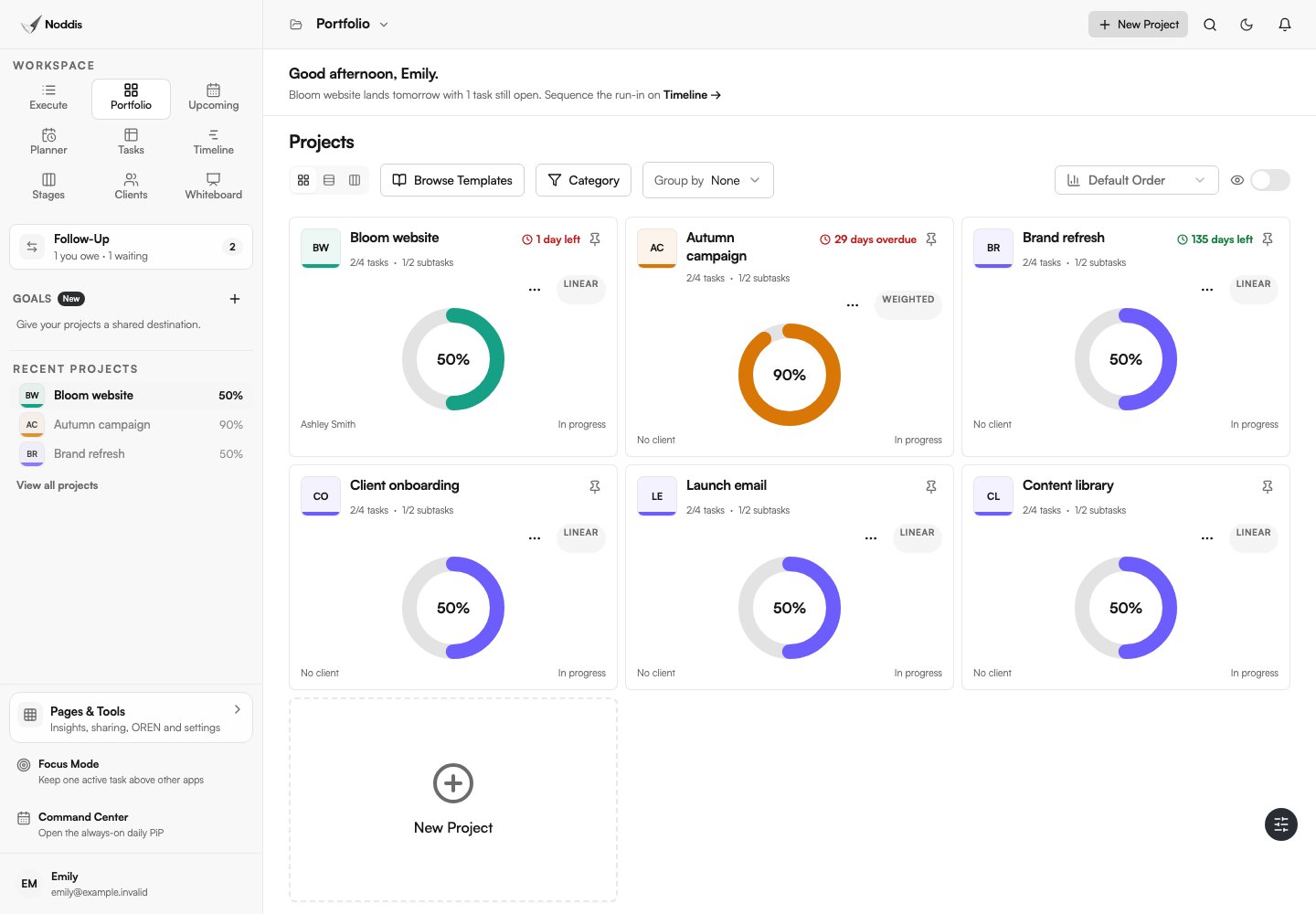
Portfolio helps you compare projects; Execute handles one selected project; Drift measures scope additions against a baseline. Try the tools that address your actual problem, and check the plan limits before moving a workflow.
Common questions
Why do project management tools fail?
Usually because the setup is designed before real work happens, maintenance becomes a second job, and the tool does not match how requests actually arrive. Starting small on one live project avoids most of this.
Why won't clients use client portals?
Possible causes include an extra login, stale information, an unclear next step, or a portal that is harder to use than email. Ask the client which obstacle matters. A no-account link removes one step, but useful and current content still matters.
Is it normal to keep switching productivity apps?
It is very common. The pattern usually means the problem is the system’s maintenance cost, not the app. Commit to one tool for a month and simplify the system before switching.
What is the simplest project management setup that works?
One place for every project, one owner and one next action per item, real dates only for real commitments, and a short weekly review of what is blocked or drifting.

Katleen is the founder of Noddis. She runs client projects through her app studio, 693 Labs, and builds Noddis around the problems that work creates.
Last reviewed . Feature details reflect Noddis at the time of review.