
Short answer
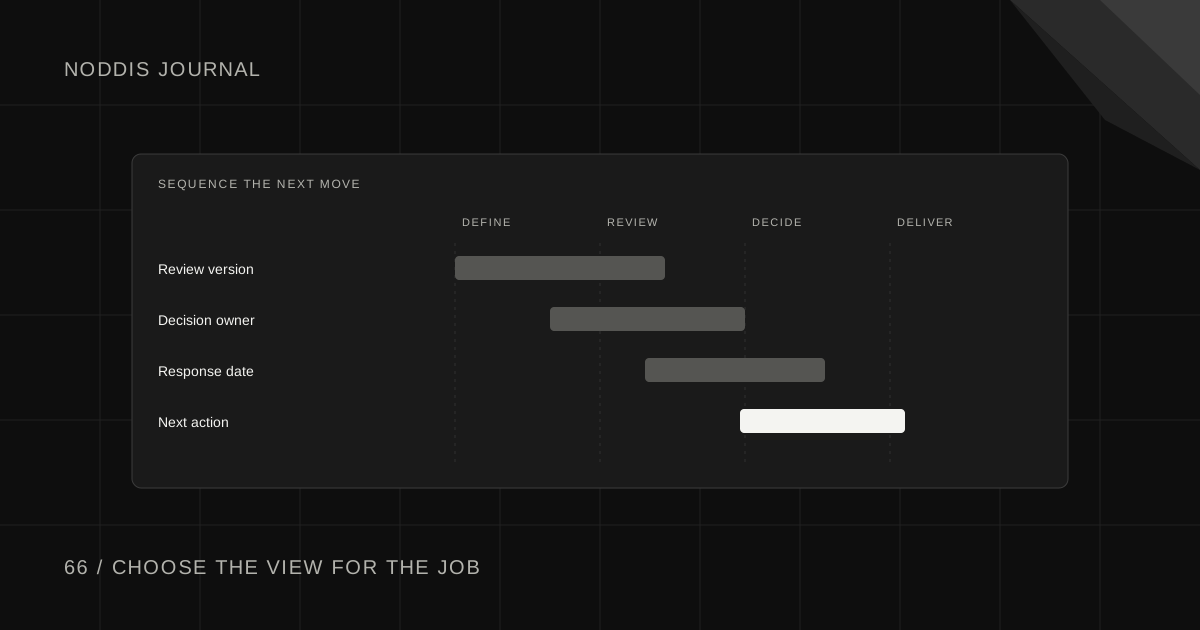
Choose Kanban for client work when you need to see which items are ready, active, waiting, and finished. Choose Gantt when the timing and dependencies between tasks determine the delivery date. Many client projects need both: a board for day-to-day flow and a timeline for milestones and handoffs.
What is the difference between Kanban and Gantt?
Kanban organizes work visually by stages such as Ready, In Progress, Waiting, and Done. Gantt charts position work on a timeline so the team can see duration, sequence, and overlapping deadlines. Neither view guarantees good project management; the structure is useful only when the underlying tasks and ownership are accurate.
Atlassian's Kanban WIP guidance explains how boards can reveal bottlenecks and limit active work. Its dependency guidance explains why task relationships matter for scheduling. These are complementary ideas, not competing philosophies.
Kanban vs Gantt for common client-work questions
| Question | Kanban board | Gantt or timeline |
|---|---|---|
| What is waiting on client feedback? | Easy to group by status | Possible, but less prominent |
| Which deliverables are active today? | Strong | Useful if dates are accurate |
| Can two milestones happen in the same week? | Limited date context | Strong |
| What happens if an approval arrives late? | Shows waiting work | Helps assess downstream timing |
| Are too many tasks active at once? | Strong with WIP policy | Less direct |
| Which tasks depend on earlier work? | Needs explicit references | Often clearer when relationships are shown |
A simple list may be sufficient for very small projects. Do not add views merely to make the system look sophisticated.
Example: one project in two views
Imagine a fictional Orbit Bikes product launch with five stages: draft product copy, approve copy, build landing page, test the site, and release the campaign.
On a Kanban board, tasks might be:
| Ready | Active | Waiting | Done |
|---|---|---|---|
| QA site | Build landing page | Approve copy | Draft copy |
The board highlights the waiting approval and current build work. It does not, by itself, show that a late approval could push the campaign launch date.
On a timeline, the same project could be represented as:
Week 1: Draft copy → Client copy approval
Week 2: Build landing page → Internal QA
Week 3: Final client review → Campaign release
The timeline makes the sequencing visible. If approval moves from week one to week two, the downstream schedule needs review. Do not assume every activity can simply shift one day without affecting capacity or a fixed launch date.
When should a freelancer use Kanban?
Use Kanban when the main challenge is keeping work flowing through a repeatable process. A monthly content retainer, for example, may have predictable states: Idea, Draft, Review, Scheduled, Published. A board makes bottlenecks visible and can discourage starting more pieces than the team can finish.
Kanban is less informative about external launch dependencies unless dates and relationships are maintained alongside the cards. If the client asks whether a campaign can launch next Friday, you still need to inspect the actual timeline.
When is Gantt the better choice?
Use a Gantt or timeline view when the start and finish of one task influence other commitments. Website builds, agency campaigns, events, and multi-person deliverables can have significant sequential dependencies.
A timeline is not automatically better for every task. Short administrative items or incoming requests may be easier to process in a board. The client project tracker guide shows how an overview can support decisions without duplicating every detail.
What if the project needs both?
Maintain one underlying task and use different views to answer different questions. Update the task once, then inspect it on the board or timeline. If you keep separate unlinked copies, task status and dates can disagree and undermine both views.
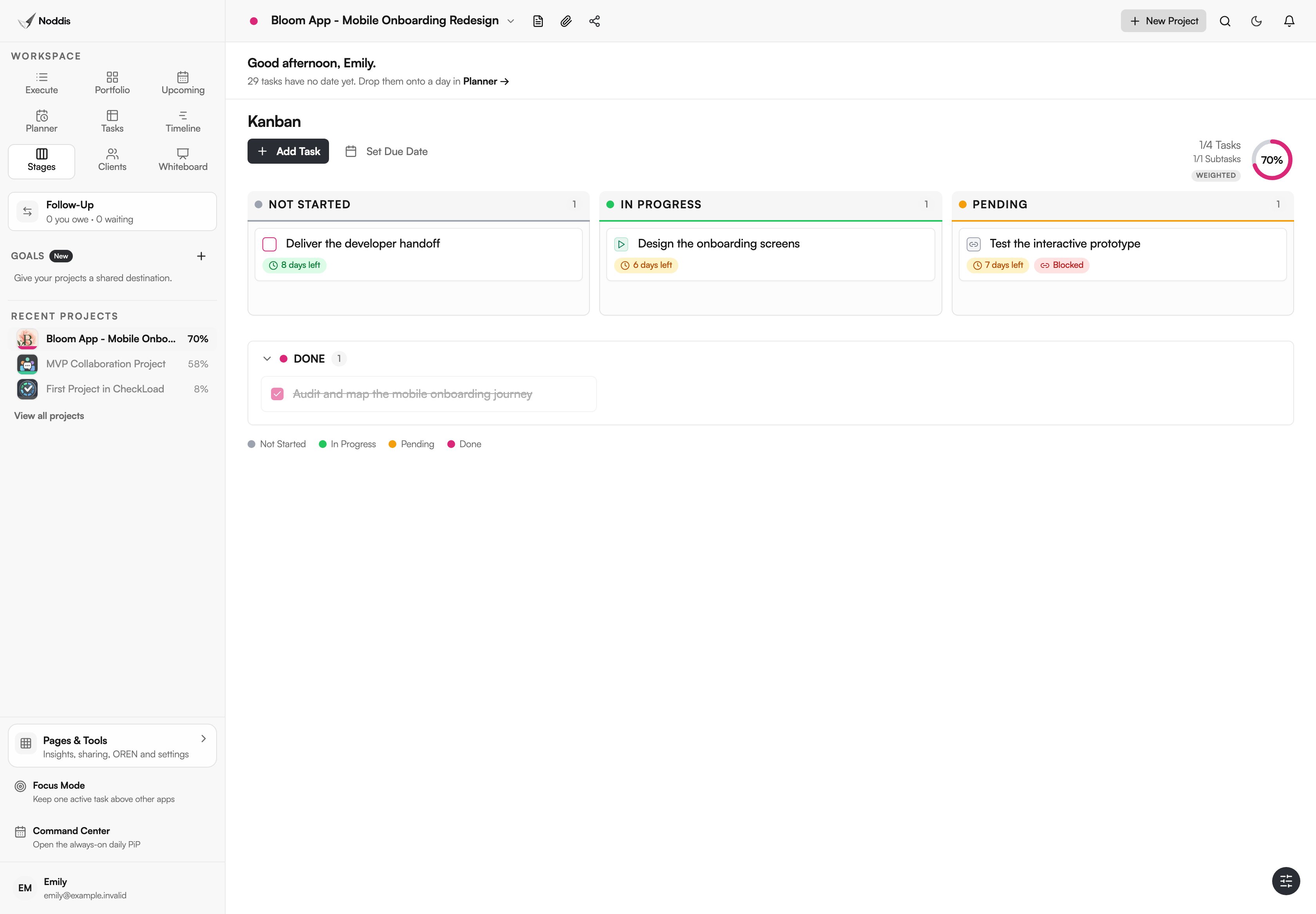
Noddis is a project management app with purpose-built workspaces, including the Stages Kanban view and Timeline, for examining connected project work. Use Stages for task flow and Timeline for dated schedule context. Signed-in workspaces can record task and subtask dependencies, and Timeline displays connectors. Dependency links do not automatically reschedule downstream dates. Stages and Timeline are Pro workspaces for signed-in accounts; they can also be explored in the visitor demo. See the workspace guide and the live demo.
Your next step
Take one real client project and display the same work in both formats. Keep whichever view actually helps a decision, and use both when the questions differ.
Common questions
Is Kanban better than Gantt for agencies?
Neither is universally better. Agencies handling recurring content may use Kanban as the daily working view, while launches with approval dependencies benefit from timelines. Choose based on what decisions the team must make.
Can a Gantt chart replace a task board?
It can show tasks and dates, but it may be cumbersome for intake queues, review states, or rapid triage. A board may remain the clearer daily view.
Is a Kanban board enough to manage deadlines?
Only if deadlines and dependencies are also clearly recorded and reviewed. Column positions by themselves do not establish whether a promised delivery date is feasible.

Katleen is the founder of Noddis. She runs client projects through her app studio, 693 Labs, and builds Noddis around the problems that work creates.
Last reviewed . Feature details reflect Noddis at the time of review.