
Short answer
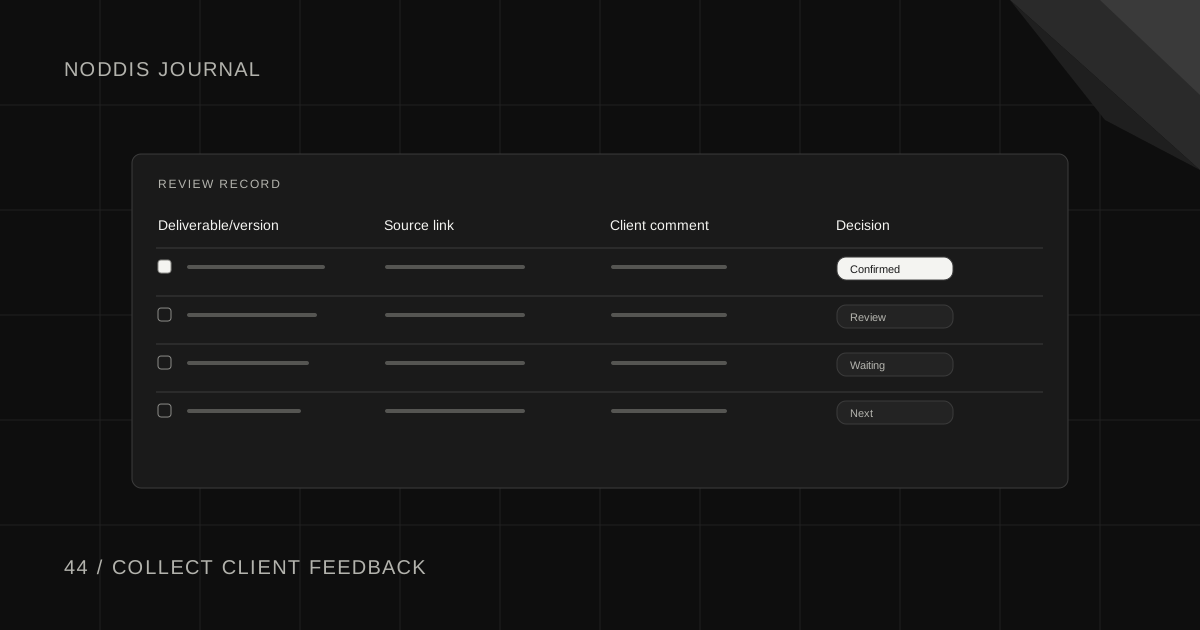
Collect client feedback in one place by giving reviewers a single place to comment, setting a review deadline, and converting their responses into one consolidated revision list. Keep the original comments for context, but make one person responsible for deciding what the team will act on. That prevents contradictory requests from becoming invisible scope changes.
Free resource
Download the blank feedback register spreadsheet. No account is required. Save a copy before adding your project details.
Why does client feedback become difficult to manage?
Client feedback becomes hard to manage when comments are scattered across email, annotated PDFs, direct messages, video calls, and different versions of a file. The problem is not simply finding every comment. It is knowing which comments apply to the current version and which person gets to make the final call.
Imagine a fictional studio working on Juniper's website. Its marketing lead comments in Figma, an executive replies to an email screenshot, and a sales colleague sends notes by text. One wants a shorter headline, one wants more detail, and one asks for a different offer. If the designer simply completes each request, the design becomes inconsistent and the team may perform three rounds of work for one review.
Instead, designate the marketing lead as the feedback owner. The team can collect suggestions from several people, but the lead sends one approved list of revisions. Google Docs supports comments and action items, while design review tools may offer their own commenting and version features. Use whichever location fits the actual deliverable. The important rule is that there is only one authoritative review record for a given version.
What is the simplest client feedback workflow?
Use a six-step workflow: identify the review version, invite the right reviewers, set a response date, consolidate comments, decide the disposition of each request, and confirm the agreed revision list. Each step has one purpose and should be easy for a client to follow.
- Name the version. Write
Juniper homepage v3, October 30in the request. Link to that exact file, not a folder containing several drafts. - Name the decision-maker. Invite contributors, but ask the client to identify one person who will resolve conflicting opinions.
- Define the review scope. Specify whether feedback should address copy, visual layout, mobile behavior, or everything.
- Set the review deadline. Say when comments are needed and which later milestone depends on them.
- Close the input window. Export or summarize comments into a list of agreed changes. Keep a link to the original discussion.
- Confirm the action list. Reply with what will change, what requires a decision, and what falls outside the original scope.
A review window is not permission to ignore late feedback. When a new comment arrives after the agreed cutoff, assess the impact and agree on a new plan instead of silently inserting extra work.
A feedback register you can copy
A feedback register ties an individual request to a file version, decision, and owner. Use one row per distinct request, not one row per email. The table below is fictional. The downloadable CSV provides blank fields for your own project.
| ID | Version | Client comment | Decision | Owner | Next action |
|---|---|---|---|---|---|
| F-01 | Homepage v3 | Shorten the headline | Accepted | Designer | Update copy |
| F-02 | Homepage v3 | Add a second pricing section | Outside scope | Project lead | Quote separately |
| F-03 | Homepage v3 | Make the logo larger | Clarify | Marketing lead | Confirm intended size |
| F-04 | Homepage v2 | Change hero photograph | Superseded | Project lead | No work on old version |
The superseded category matters. A comment on an outdated file should not be quietly treated as a fresh requirement. Likewise, a comment marked accepted is not necessarily finished. Keep the decision separate from implementation.
What if two client stakeholders disagree?
Do not ask the delivery team to choose whose preference matters more. Summarize the conflict in plain terms and request one decision from the designated approver. For example: “We have two directions for the homepage offer. Should we prioritize the free-consultation message or the limited-time discount? We can finalize the next version once you choose.”
If two approvals are contractually required, record both. A single contact cannot override an approval arrangement the parties explicitly agreed to.
How do you turn feedback into work without losing context?
After consolidation, convert accepted changes into tasks with an owner, acceptance condition, and file link. Put ambiguous requests back in the clarification queue, and use a separate change-request process for new deliverables. Do not copy every raw comment into the task list.
For example, “The navigation feels off” is not an actionable task. “Reduce the mobile navigation to the five approved top-level links and submit a screenshot for review” is. The final task preserves the decision behind the work while giving the person responsible a result they can verify.
Client approval tracking explains how to record the final approval decision. The client request intake guide covers requests for new work, which deserve a different review step from ordinary feedback on agreed deliverables.
Where does Noddis fit?
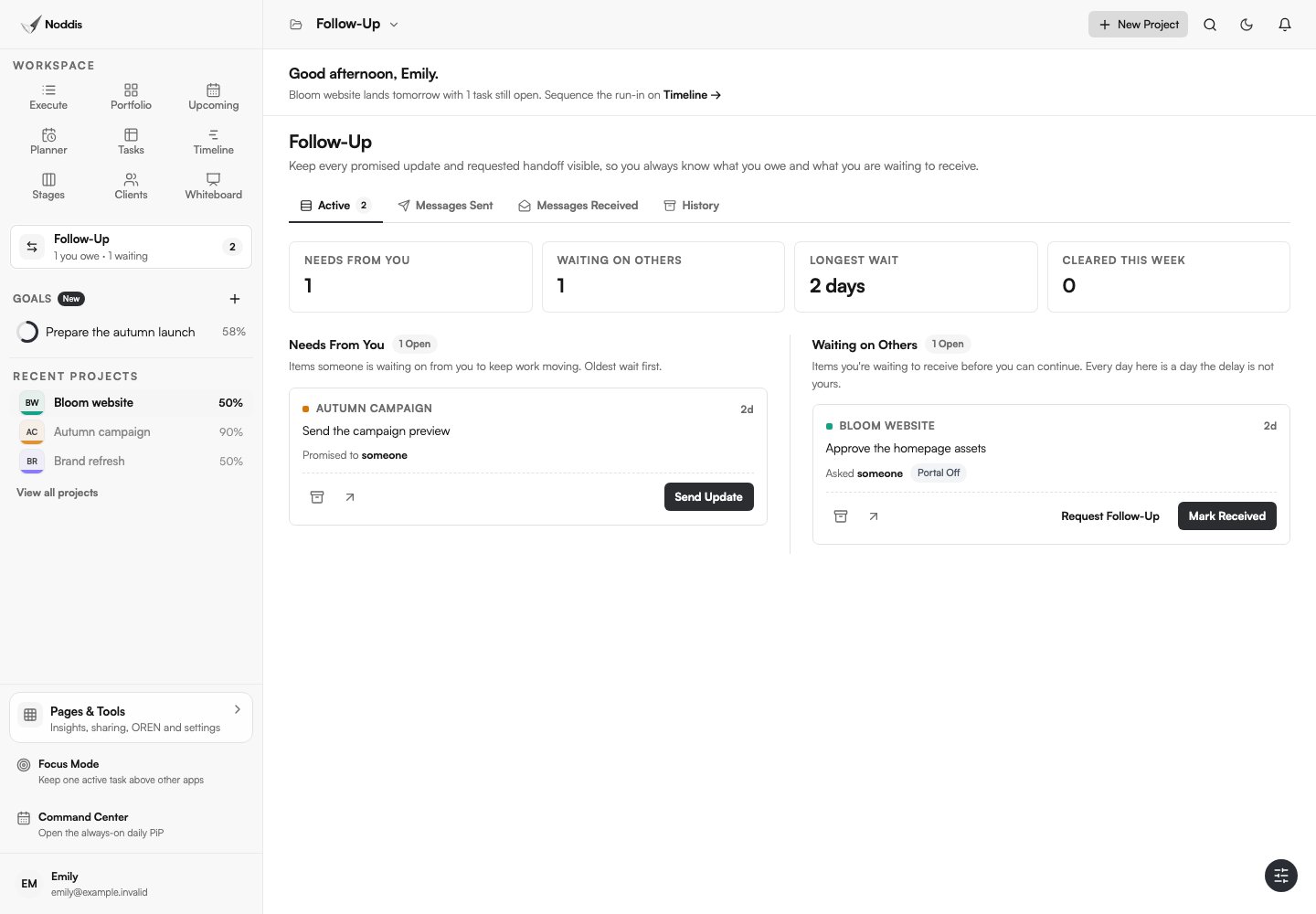
Noddis is a project management app for keeping client work, tasks, follow-ups, and project context connected. Use a task's notes and relevant file links to preserve the consolidated revision decision. Record a Follow-Up commitment when feedback is owed by a client or when your team owes a response. Keep detailed review comments in the relevant design or document tool, then link the agreed revision decision to the task.
The outcome you want is simple. Anyone opening the project should know which version was reviewed, what was decided, and what happens next. You can test that handoff in the Noddis live demo.
Your next step
For the next client review, send one file version, one deadline, and one place for comments. The goal is fewer interpretations, not more administration.
Common questions
Should clients send comments by email or in the design file?
Prefer comments next to the material when the tool supports them, because that reduces ambiguity. Email is useful for submitting the final decision and linking to the approved version. If a client must use email, consolidate its comments into the authoritative feedback register rather than maintaining two independent lists.
How many feedback rounds should a project have?
The agreement should define review rounds based on the work, rather than copying a universal rule. A single major presentation may need a different cycle than a monthly content retainer. Define what counts as a round, who consolidates comments, and how additional rounds will be handled.
Does collecting all feedback mean accepting every request?
No. Collection records what people asked for. Review decides what belongs to the agreed work. Mark requests as accepted, deferred, clarification needed, or outside scope, then communicate the decision before starting revisions.

Katleen is the founder of Noddis. She runs client projects through her app studio, 693 Labs, and builds Noddis around the problems that work creates.
Last reviewed . Feature details reflect Noddis at the time of review.