
Short answer
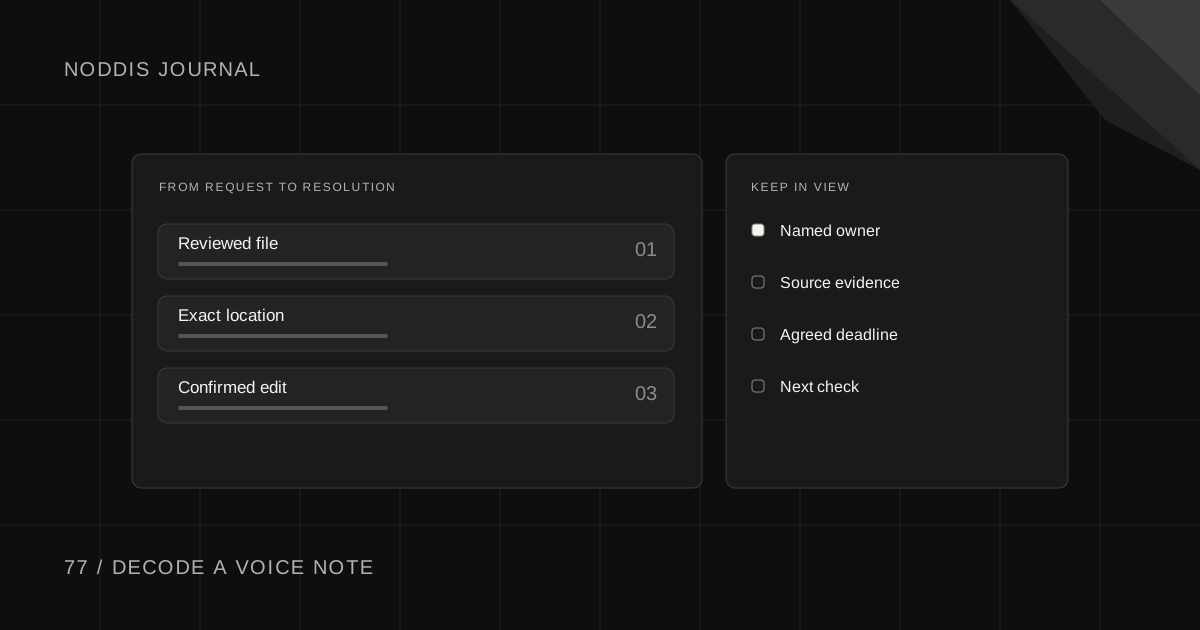
Turn client voice notes into a revision list by attaching each requested change to the file, version and place it describes. Separate questions from decisions, then send ambiguous items back to the reviewer in plain language. Move the confirmed changes into the project with their original context and agreed dates.
Which client voice notes need a follow-up question?
“Make that one bigger” might be perfectly clear during a screen recording and impossible to interpret in a transcript. Before assigning work, identify what was on screen, which version the client reviewed and what had just been discussed.
For a website review, a useful reference might be “Mobile pricing page, revision 3, comparison table below the plan cards.” Keep the original message link where the people doing the work have permission to use it. A transcript makes the conversation searchable, while the source can resolve a pointing gesture or a tone change.
What did the client mean by “that bit at the top”?
A voice note makes perfect sense while the client is looking at a page. Later, “the bit at the top” could mean the navigation, headline or announcement banner. Open the reviewed version and write down the exact screen location. If you cannot identify it, capture a question before touching the file.
For video, a timestamp and the name of the cut usually help. For a long landing page, the section heading and a screenshot of the element may work better. Reference the original material in a place your client has agreed to use, especially before recording a call or processing someone’s audio.
| What you heard | What goes in the project |
|---|---|
| “Use the new studio photo on mobile.” | A revision task tied to the mobile hero and approved photo. |
| “Could testimonials come first?” | A layout question for the decision owner. |
| “I like the shorter intro.” | Context to keep with the approved version. |
Separate a request from a question
A single message might say, “Increase the button size, could we lose the testimonial, and maybe the blue is too dark.” The first is a clear edit. The second asks for a decision. The third describes a concern that could have several solutions.
Send a short read-back. “I’ll enlarge the booking button on mobile. Please confirm whether to remove the testimonial. I’ll show two blue options in the next review.” Keep the client’s reply beside the list. This gives the designer a clear revision and gives the client a chance to correct a misunderstanding early.
A four-line readback before the next revision
Try a small confirmation message. “I heard two edits to the mobile proof: shorten the headline under Pricing and replace the footer phone number. I also heard a question about moving the testimonials above Pricing. Do you want that change on mobile only? The reviewed screen is attached.”
The client can say yes to two changes without accidentally approving the third. Put the answer where the designer doing the work can find it. If the client sends an email correcting a number later that day, link that email to the relevant item instead of creating another indistinguishable revision.
How do you know the revision list is finished?
Read it from the production person’s point of view. They should be able to open the right file, go to the right place, make the change and show what completion looks like. “Improve the vibe” fails that test. “Replace the hero image on the mobile home page with the approved studio photo” passes it.
After delivery, reply using the same numbered list with a link to the new proof. Mark unanswered questions as open. A clean handoff lets the client check each request without replaying the recording or reconstructing what happened across email, chat and a call.
Review the extracted work inside Noddis
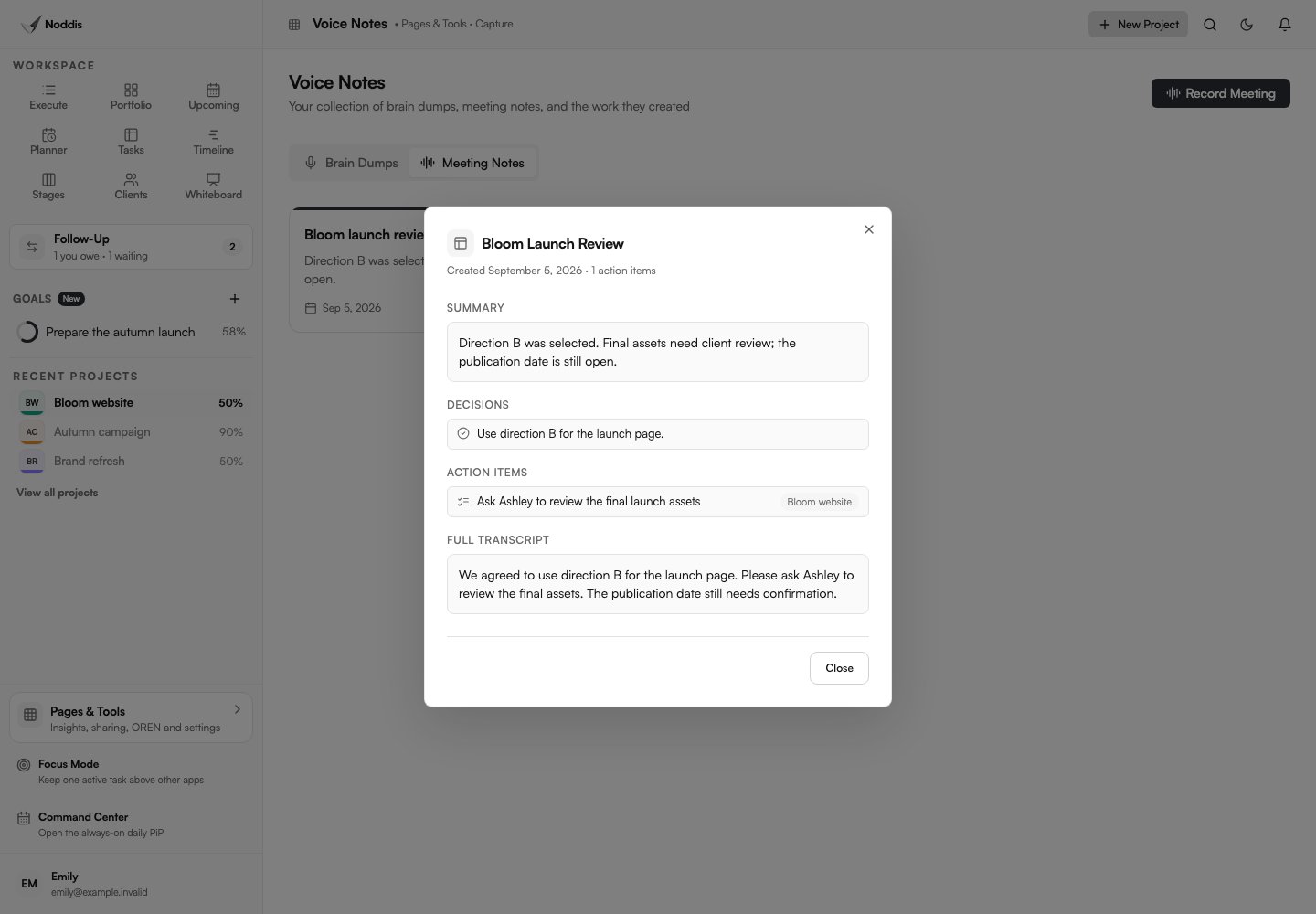
Use Voice Notes for a supported recording or paste a prepared conversation into the AI Conversation importer. Review each proposed title, parent and due date. Keep the review file as a parent task and the agreed edits underneath it. Remove guesses and put open questions into Follow-Up.
Before saving, compare the last item in the source with the last item in the outline. A recording often ends with a small but consequential request. After the edits are complete, send the client a link to the reviewed version and ask about the decisions still open.
For the next step, see Turn meeting notes into action items people can actually finish and How to turn client emails, texts, and voice notes into tasks you will actually do.
Sources and field notes
A freelancer described reconciling feedback across email, Slack and a voice note. The website revision in this guide is an illustrative example. Read the original source.
Noddis’s capture guide shows how to review an incoming request.
Common questions
Should every sentence become a task?
Keep actionable edits in Execute. Store context in notes and make a follow-up for a decision the client still owes. Capture questions as questions and keep context beside the file version. A clear revision list lets the person doing the work know which edits the client actually approved.
What if people gave conflicting feedback in the recording?
Keep each interpretation attached to the same artifact and ask the decision owner for one direction before implementing either. Ask a named decision owner to resolve the conflict before assigning either edit. Keep the original wording and identify the screen or timestamp it describes.
What if the reviewer refers to an older version?
Open the older proof and locate the exact comment before changing the current file. The issue may already be fixed, or the element may have moved. Ask the reviewer to confirm the intended change against the current version, then link the answer to that revision.

Katleen is the founder of Noddis. She runs client projects through her app studio, 693 Labs, and builds Noddis around the problems that work creates.
Last reviewed . Feature details reflect Noddis at the time of review.