
Short answer
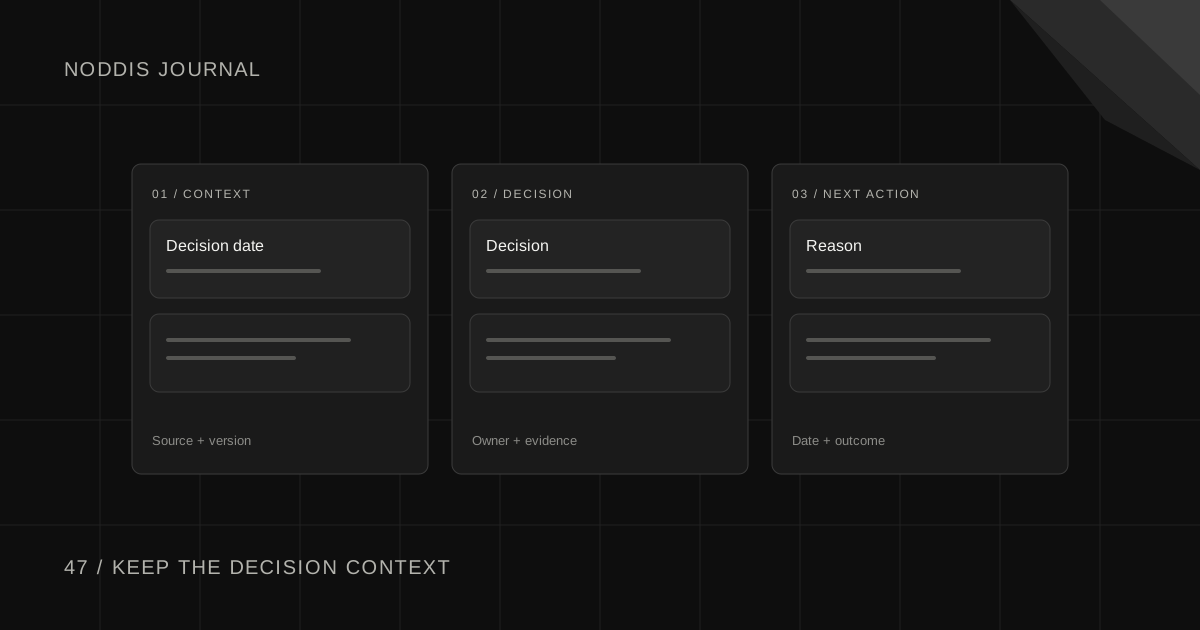
A client decision log records the decisions that change how a project proceeds: what was chosen, why, who approved it, when it became effective, and which document or deliverable it affects. Unlike an approval tracker, a decision log preserves the reasoning that helps the team understand a choice weeks later.
Free resource
Download the blank client decision log spreadsheet. No account is required. Save a copy before adding your project details.
What belongs in a client decision log?
A client decision log is a lightweight history of choices that shape the project. It is most useful when someone joins late, a client asks why a direction was chosen, or a later request conflicts with an earlier agreement.
Start with the minimum useful fields: decision ID, topic, choice, reason, decision owner, date, source link, and consequence. Add a related task or file when there is one. Do not turn the log into a transcript of every meeting.
Project Management Institute's discussion of scope change control emphasizes documenting approved changes and their effects on project expectations. A decision log supports that principle, but it can cover much more than scope: content direction, reviewer assignments, technical constraints, or launch sequencing.
Copyable decision log template
The example below uses fictional projects and people. Copy the column headings into a spreadsheet or your preferred project notes.
| ID | Decision | Reason | Decider | Date | Affects | Evidence |
|---|---|---|---|---|---|---|
| D-01 | Use option B for hero layout | Better supports approved offer | Juniper marketing lead | Oct 30 | Homepage v3 | Review thread |
| D-02 | Move testimonials below pricing | Keep pricing visible sooner | Juniper marketing lead | Oct 30 | Homepage v3 | Review thread |
| D-03 | Keep original launch date | Campaign inventory is fixed | Orbit Bikes owner | Oct 29 | Launch plan | Meeting notes |
Two details make the table useful. Reason preserves context, and Evidence shows where to verify the decision. Without those, the row is just another unexplained instruction.
If a decision creates work, create a task separately. If it changes the agreed scope, record the change request separately. A decision log is not a replacement for every other project record.
How do you write decisions that someone else can understand?
Use a one-sentence choice followed by a one-sentence reason. Name the affected version or milestone. For example: “Use the shorter trial headline on homepage v3 because the client approved the offer language for mobile.”
Avoid shorthand like “Use B” or “Client approved changes.” Those statements are meaningful only to the people who attended the original call. Write for the collaborator who opens the project in six weeks with no memory of that conversation.
A useful entry also states what was not decided. “The client selected option B for the homepage hero. Pricing copy remains under review.” This prevents one approval from being interpreted as agreement on everything nearby.
What if a client reverses a decision?
Preserve the original entry and add a superseding decision. Record who changed direction, the reason, and the impact on already completed work. Do not silently edit history to make the newer choice look like it was always the plan.
Example:
| ID | Decision | Supersedes | Delivery impact |
|---|---|---|---|
| D-04 | Replace option B with option A after campaign repositioning | D-01 | New design and review required |
Then determine whether that revision falls within agreed allowances or needs a change request. The guide to out-of-scope requests describes how to handle that conversation without turning the log into an argument.
How do you capture decisions made in meetings and messages?
At the end of a meeting, read back each significant choice and the person responsible. Record it in the log, then send a short confirmation with a link. For an email or chat decision, link to the message rather than copying an entire private conversation into a broadly shared project page.
Use a simple confirmation:
Confirming today's decision for [Project]: we will use [chosen option] for [deliverable/version] because [reason]. [Person] approved this on [date]. [Remaining question] is still open. Please flag any correction before we begin [next step].
If your project has formal sign-off requirements, keep the authorized approval record in the system required by your agreement. A decision log is supporting context, not a substitute for a signed contract or compliance process.
How can the log stay connected to the actual work?
Put the decision ID in the task or change request it affects. If the person implementing the work wants to understand why, they should reach the decision in one click. Keep client-visible and internal decisions separate when access rules require it.
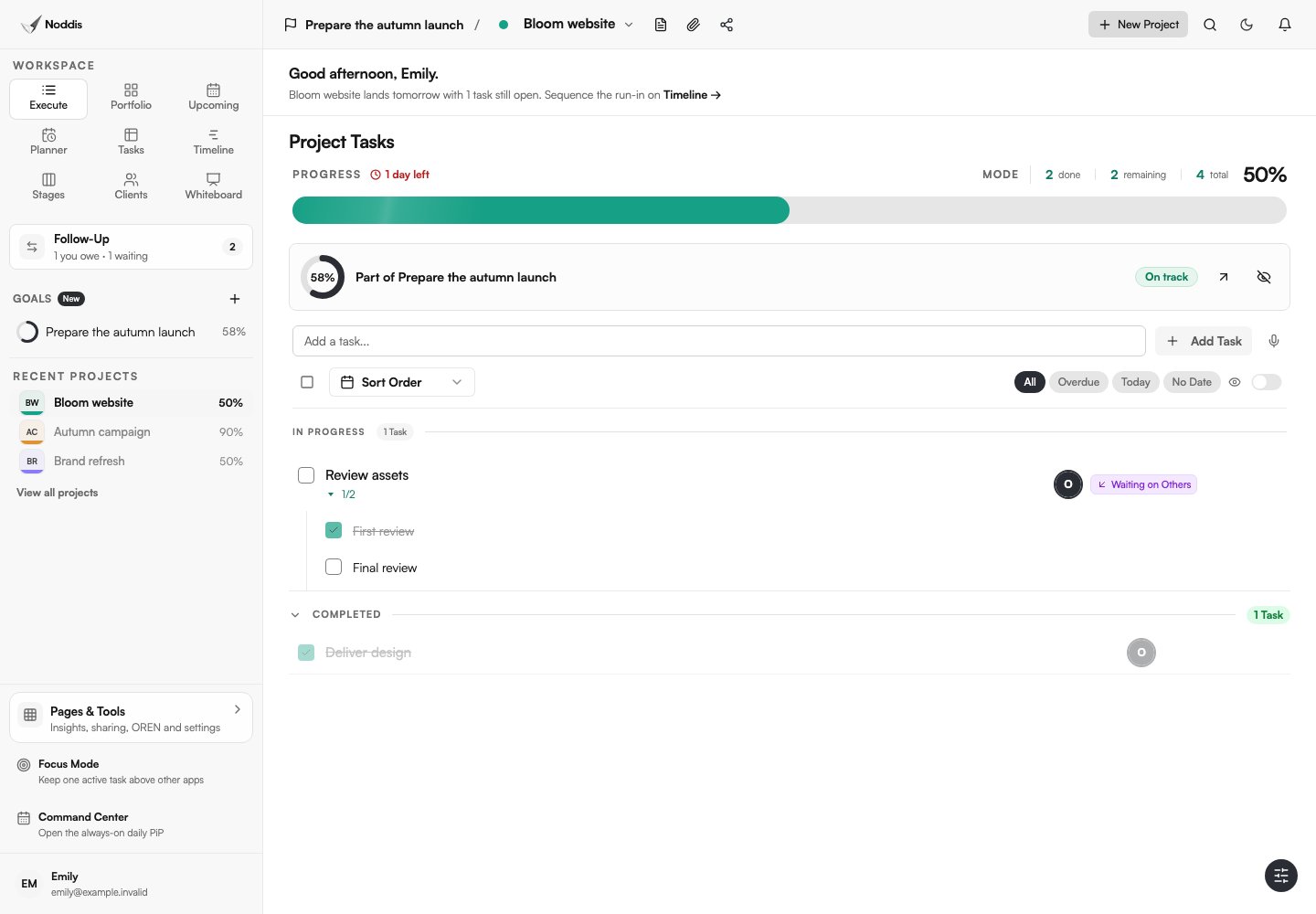
Noddis is a project management app that connects project work and context. Its tasks, notes, and project views can keep a decision reference near the related deliverable. For client approvals that need chasing, a Follow-Up record tracks who owes the next response. The client approval tracking guide explains that separate workflow. Explore the live demo before designing a more complex system.
Your next step
Start with the last three meaningful decisions on a current project. If your team can explain each one without opening a week of messages, the log is doing its job.
Common questions
Is a decision log the same as meeting minutes?
No. Meeting minutes document discussion and action items. A decision log retains material decisions and their reasons in one searchable place. Link back to meeting minutes as evidence rather than reproducing the entire discussion.
Is a decision log the same as an approval register?
No. Approval registers answer whether a version was approved or needs changes. Decision logs answer what direction was chosen and why, including choices that may not require formal sign-off.
Who owns the decision log?
Give one project owner responsibility for keeping it current, while allowing stakeholders to review or correct entries. The owner records and confirms decisions; the authorized client contact makes the decision itself.

Katleen is the founder of Noddis. She runs client projects through her app studio, 693 Labs, and builds Noddis around the problems that work creates.
Last reviewed . Feature details reflect Noddis at the time of review.